Video Guide
Follow this video tutorial guide to see how to sign up your Akrio business account.
Step 1: Choose your Plan
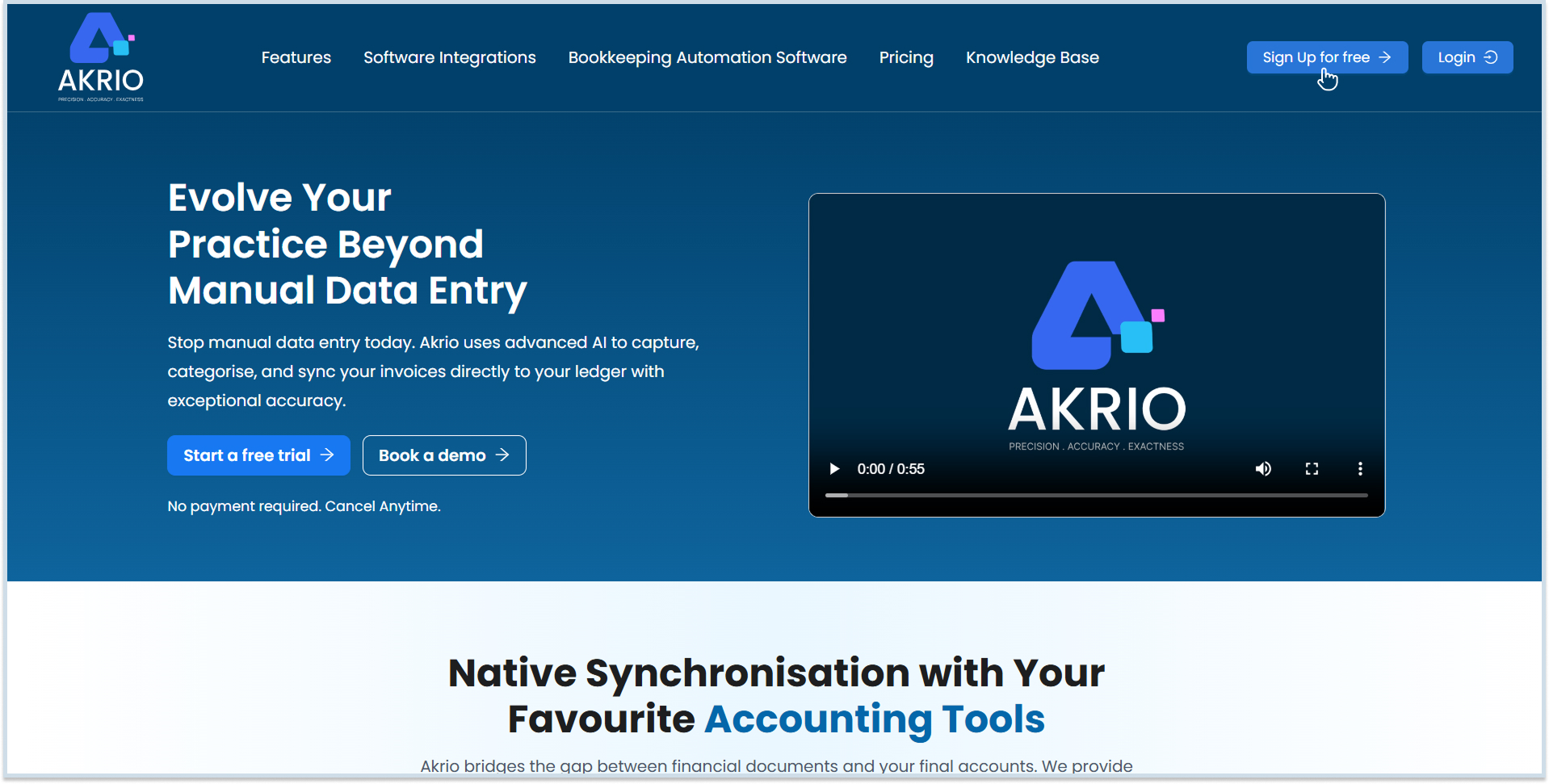
Visit the Akrio website and click the Sign Up for Free button in the top-right corner of the screen.
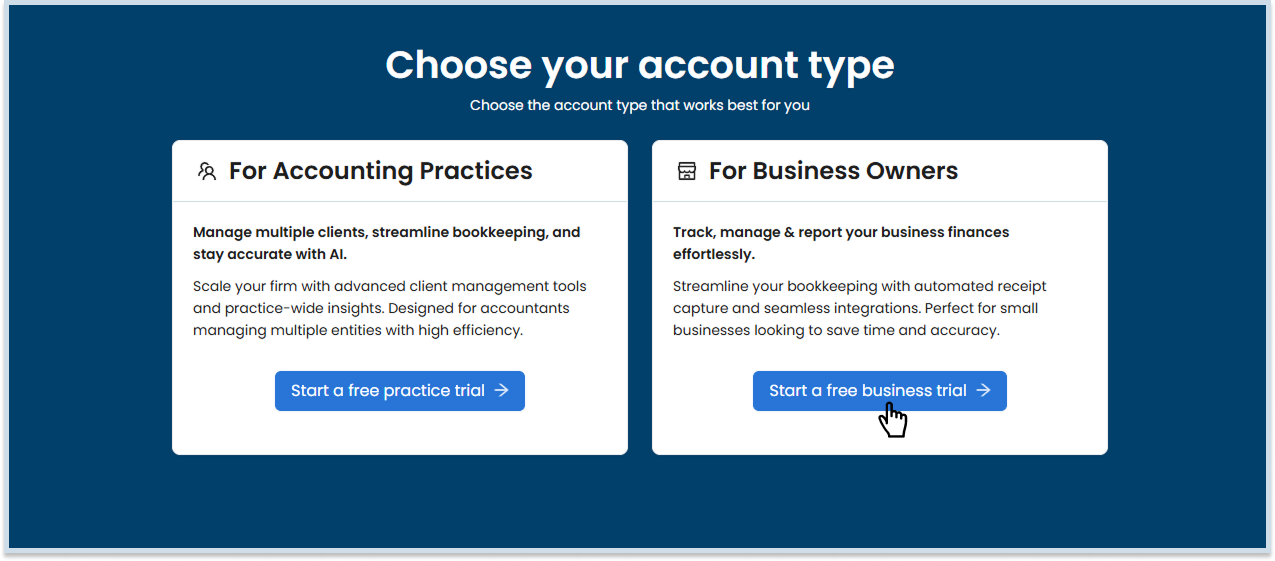
On the next page, select Start a Free Business Trial to begin creating your account.
Step 2: Enter Your Personal Information
Fill in the required registration details:
- First Name
- Last Name
- Work Email Address
- Password
- Mobile Number (including country code)
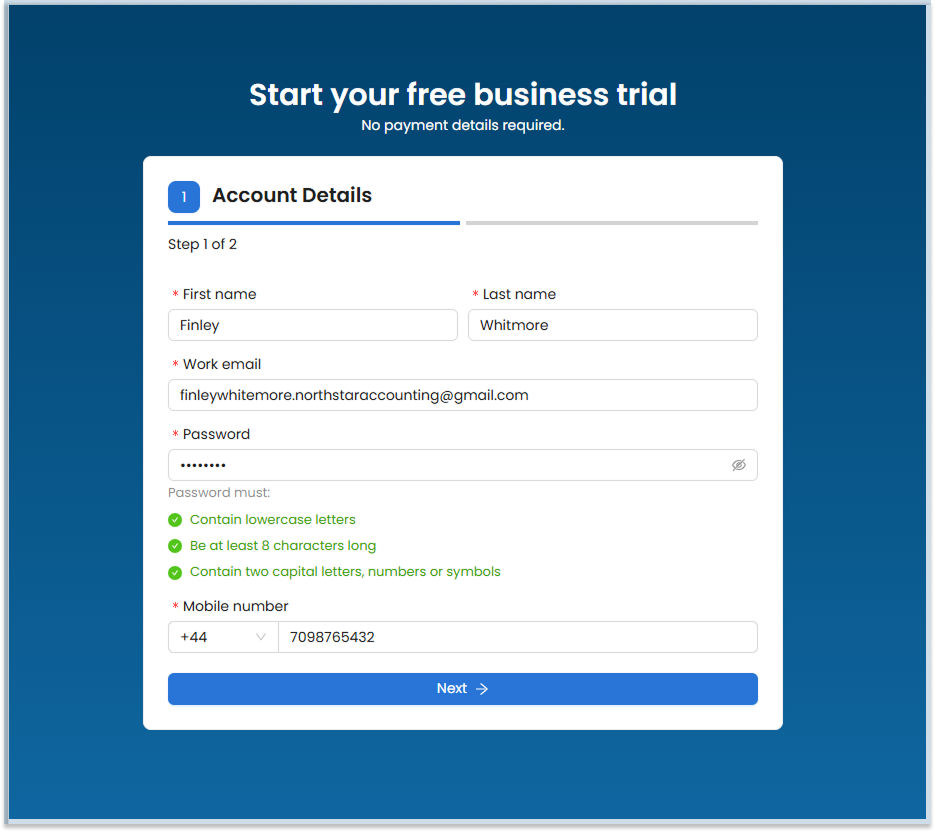
Make sure all mandatory fields are completed correctly, then click Next to continue.
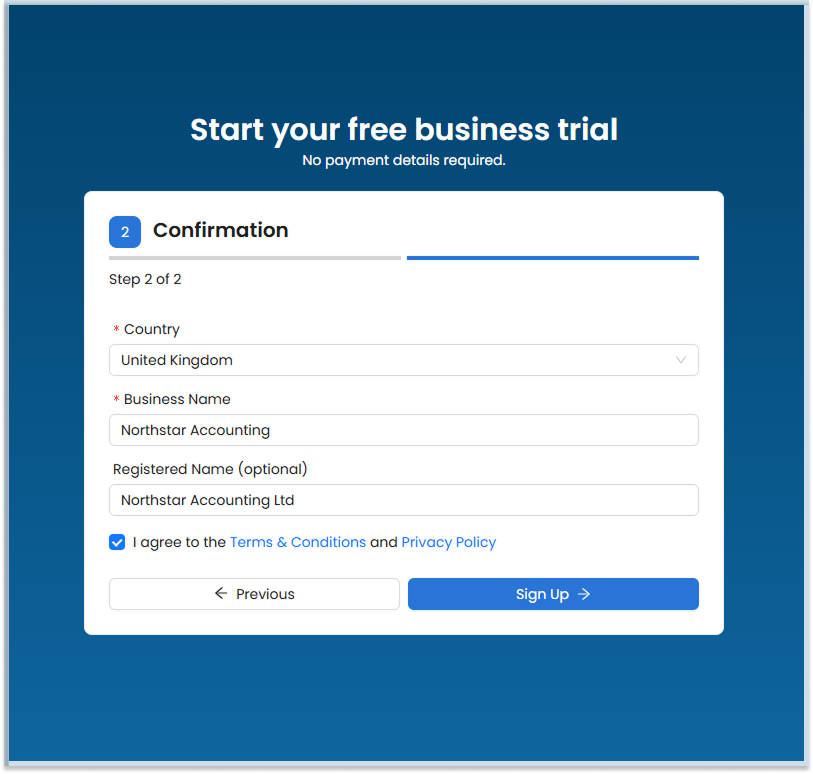
Step 3: Add Your Business Details
You’ll now be asked to provide information about your business. Select your business location from the country dropdown menu, then enter your business name in the relevant field. If your legal business name differs from your trading name, you can optionally enter it in the Registered Name field; otherwise, leave it blank.
Once you’ve entered all the required details, tick the checkbox to accept the Terms & Conditions and Privacy Policy, then click Sign Up to continue.
Step 4: Verify Your Email Address
After completing the registration form, Akrio will send a verification email to the address you provided.
To verify your account:
- Open the email.
- Click Verify My Email.
- Confirm your email address.
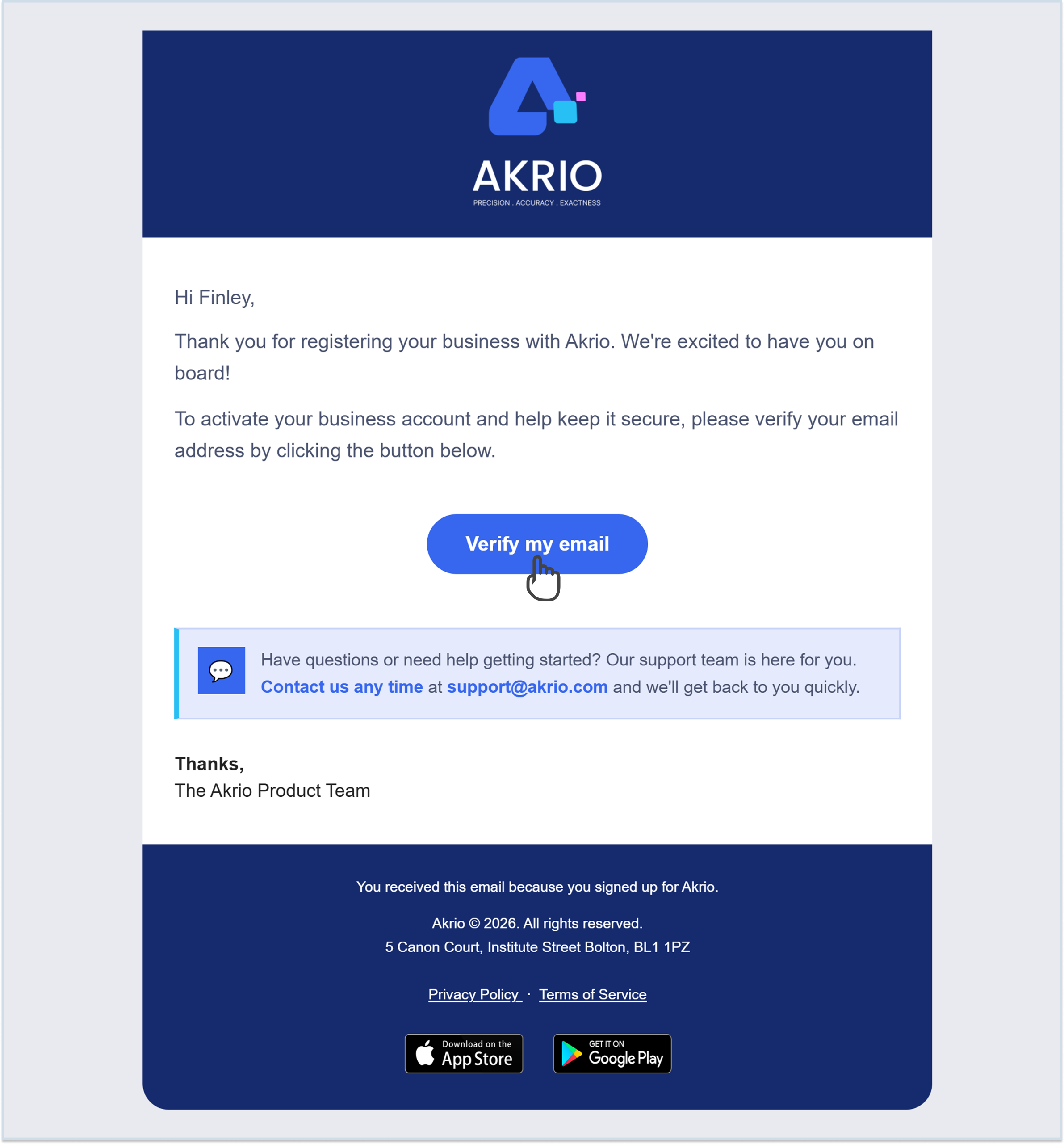
Once verified, you’ll be automatically redirected to continue the setup process.
Step 5: Tell Us About Your Business
To help personalise your experience, Akrio will ask for some additional information about your company.
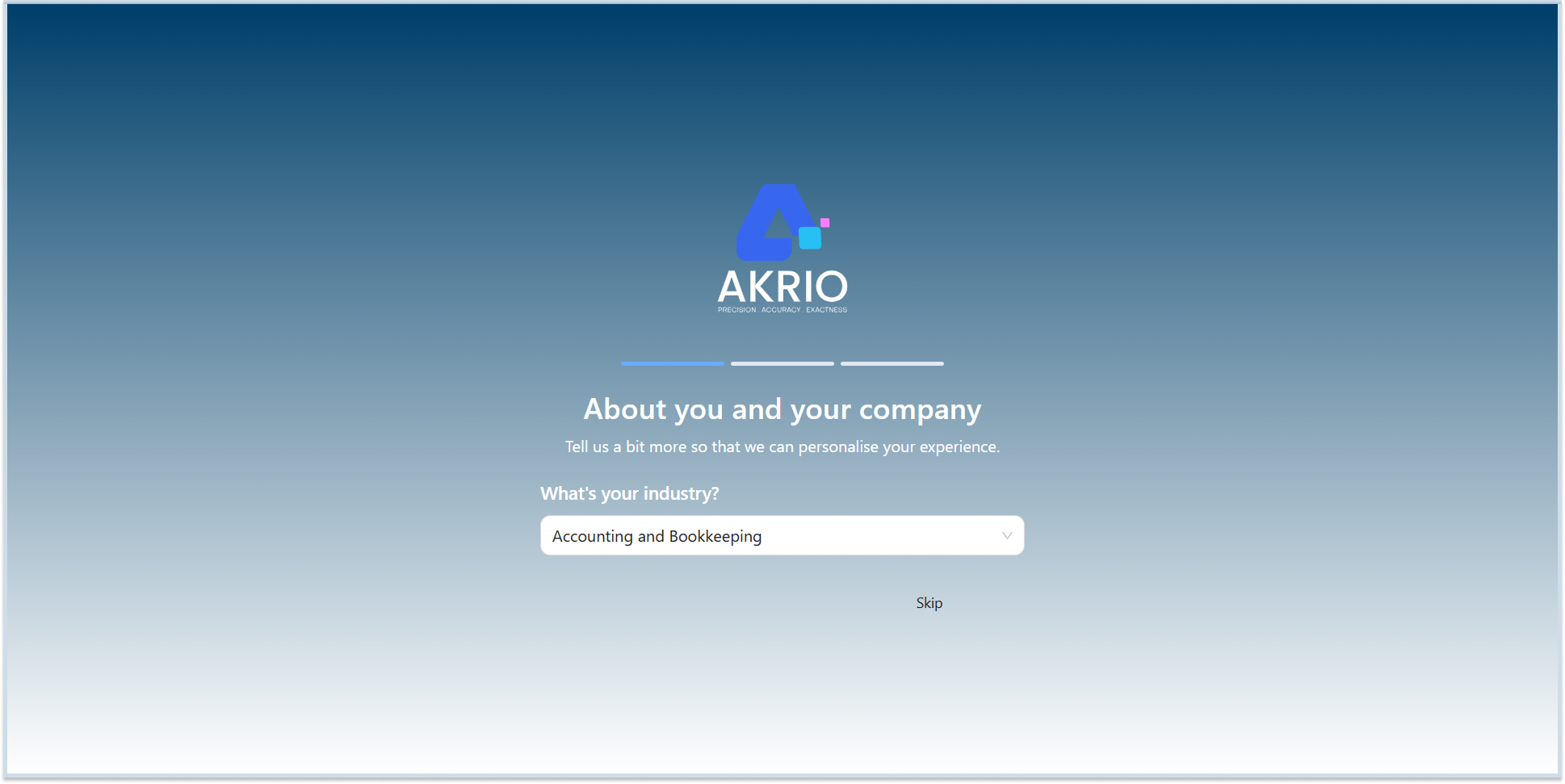
Select Your Industry
Choose your industry from the available options, or skip this step if you prefer.
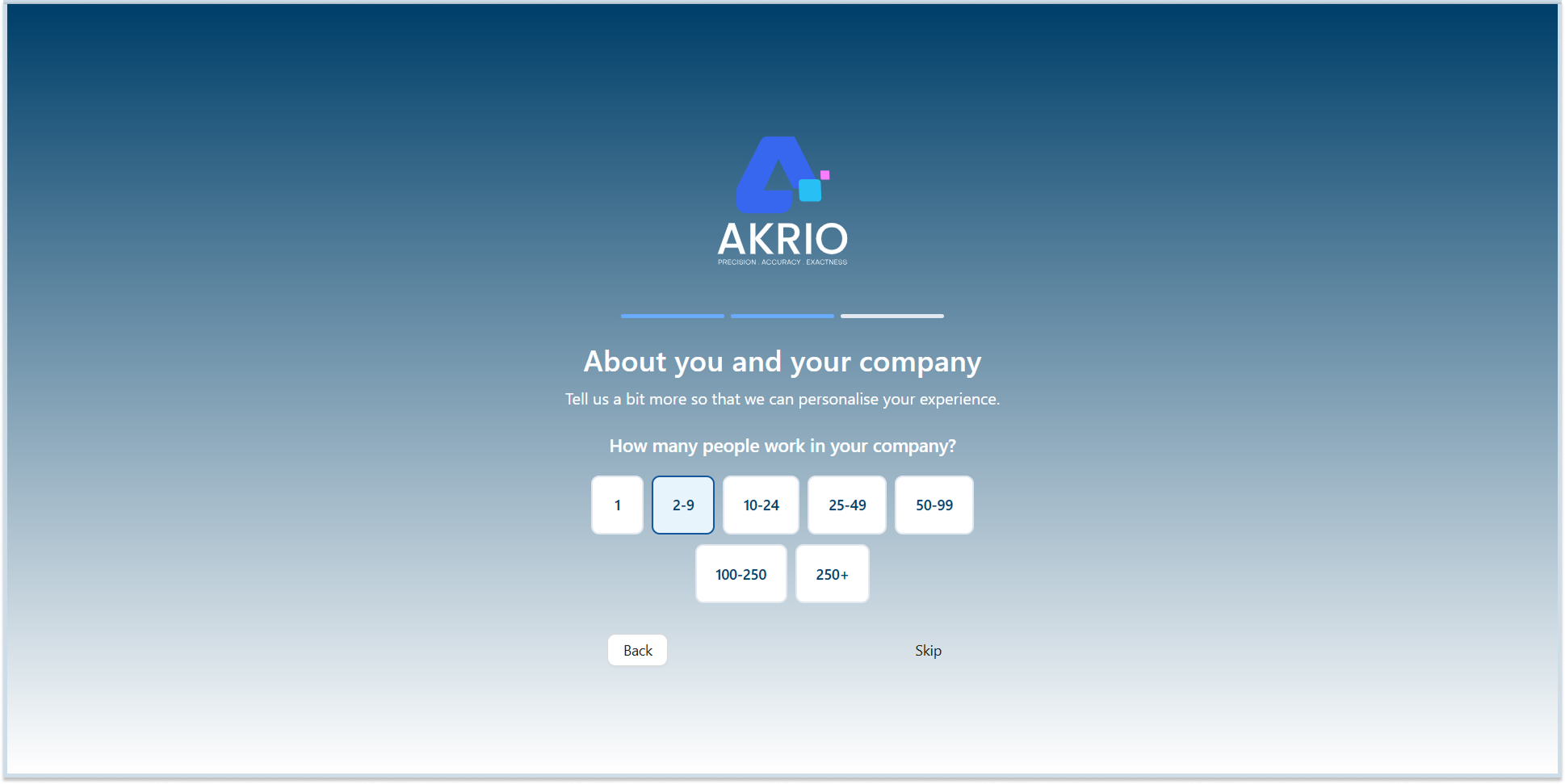
Choose Your Company Size
Select the number of employees working within your organisation.
This helps Akrio tailor the platform to your business needs.
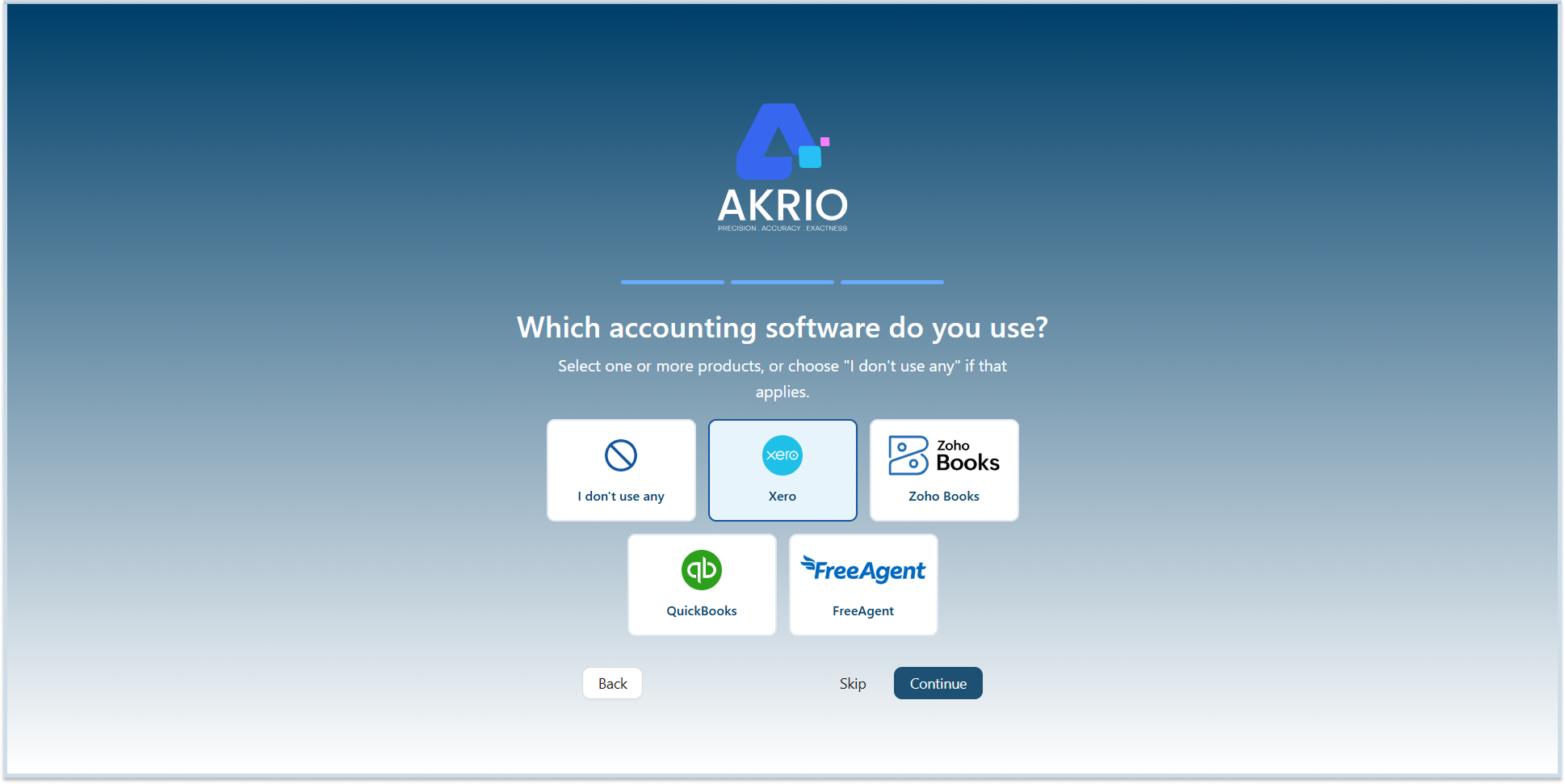
Step 6: Select Your Accounting Software
Next, choose the accounting software your business currently uses.
After making your selection, click Continue to proceed.
Step 7: Start Exploring Akrio
You’re almost done.
Click Start Exploring, and you’ll be taken directly to your Akrio dashboard.
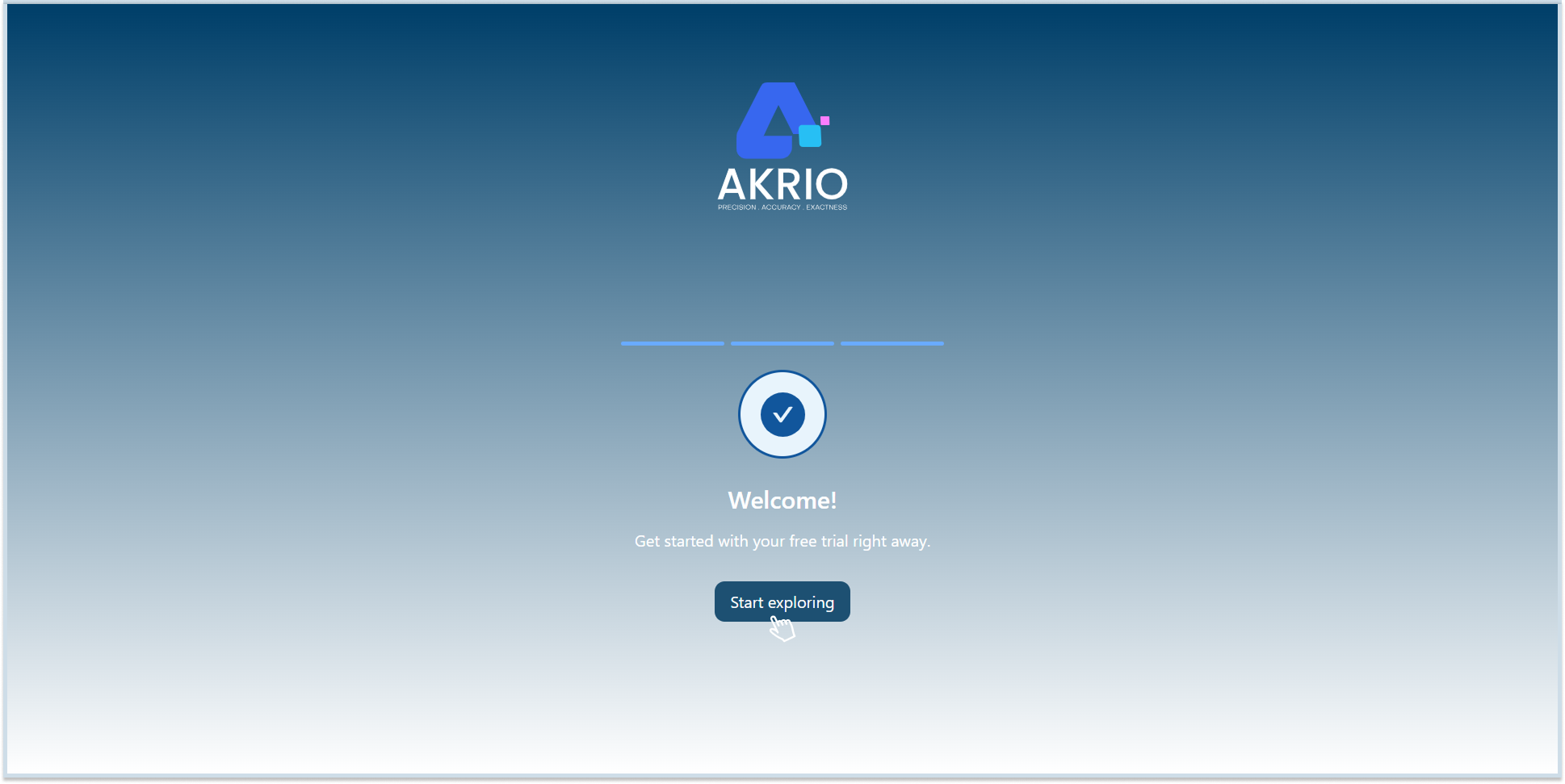
Your business account is ready, and you can start exploring tools designed to make bookkeeping and financial management easier.
Already Have an Account?
If you’ve previously registered with Akrio:
- Click Login in the top-right corner of the website.
- Enter your email address and password.
- Click Sign In.
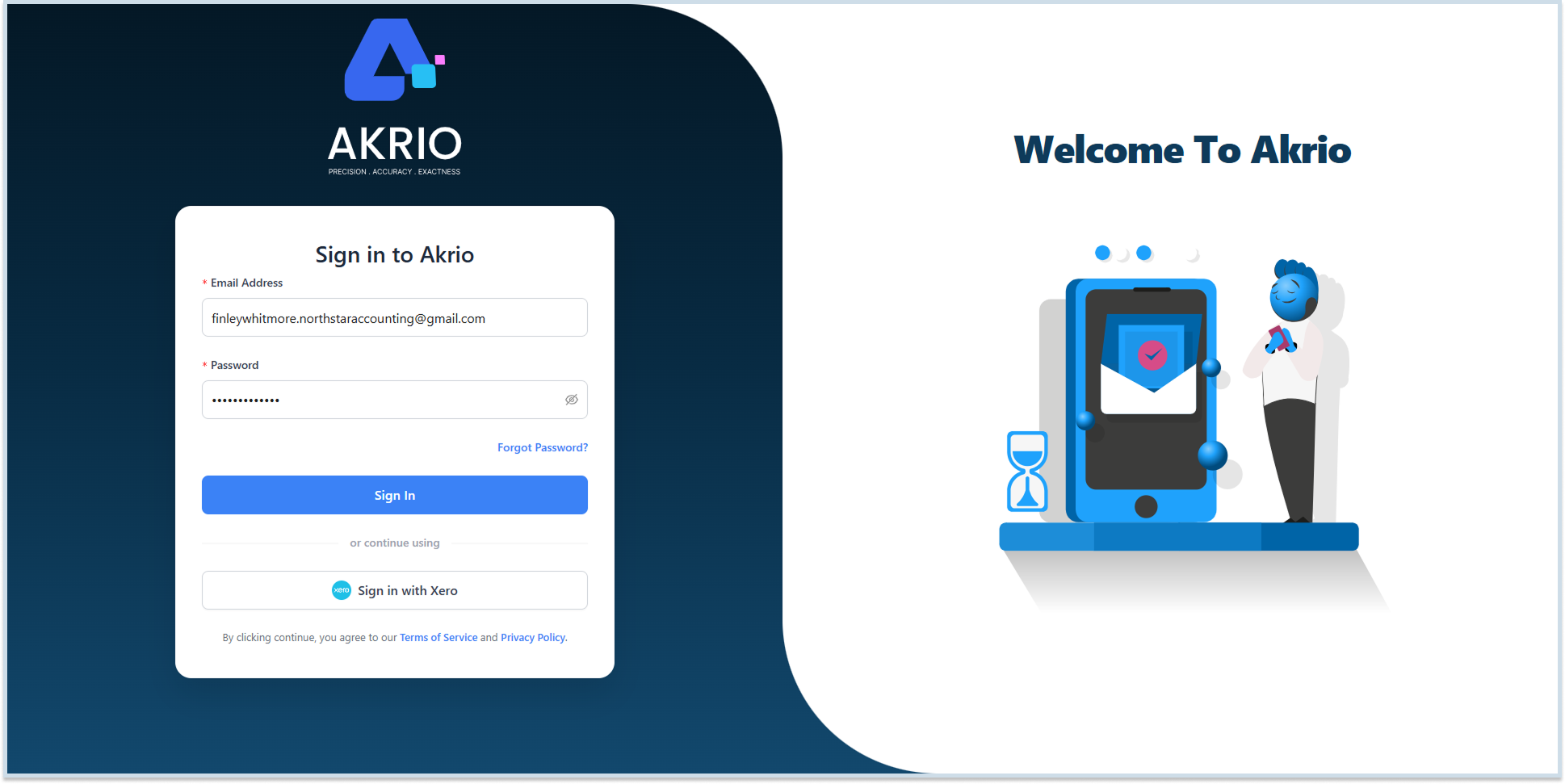
You’ll be redirected to your business dashboard and can continue managing your accounting activities.
Ready to Simplify Your Bookkeeping?
Creating an Akrio Business Account takes only a few minutes, but it can save your business countless hours of manual financial admin. Sign up today and discover a more efficient way to manage bookkeeping, accounting processes, and business finances from one place.
Was this article helpful?

Sad

Happy