Video Guide
Follow this video tutorial guide to see how to re-publish item.
You may have mistakenly published an item with incorrect details. You can re-publish an item with corrections by unarchiving that item and publishing it again.
To Re-publish an Item:
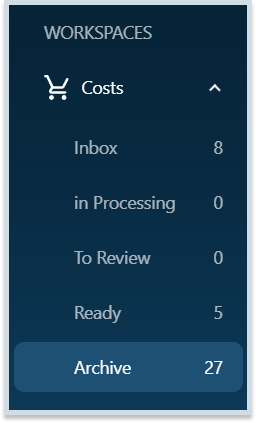
- Navigate to the Archive of your Costs or Sales item list.
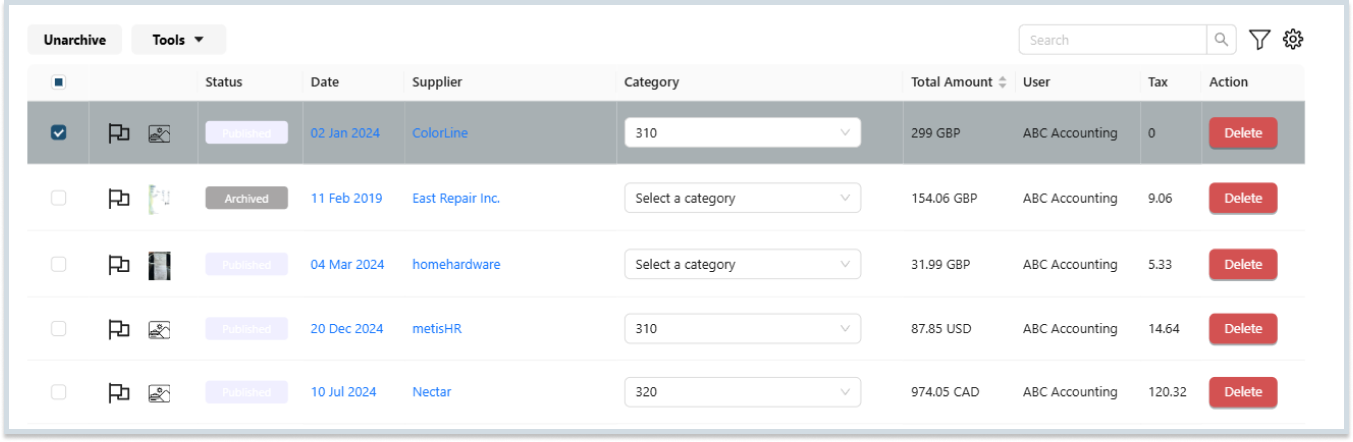
- Select the item you want to republish and unarchive it.
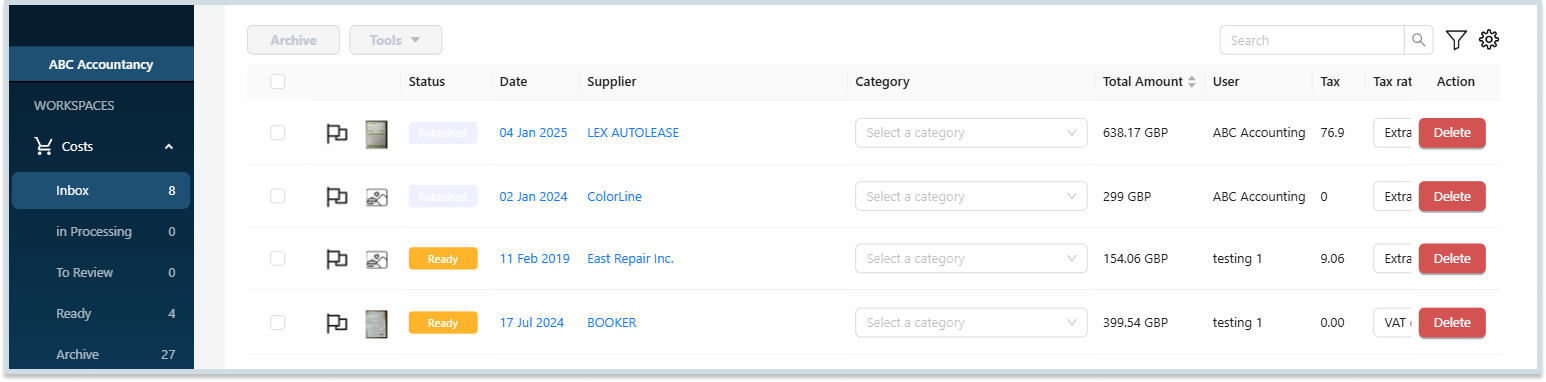
- Once you have unarchived the item, return to the respective inbox to find the item.
- Open the item’s detail page and fix the issues.
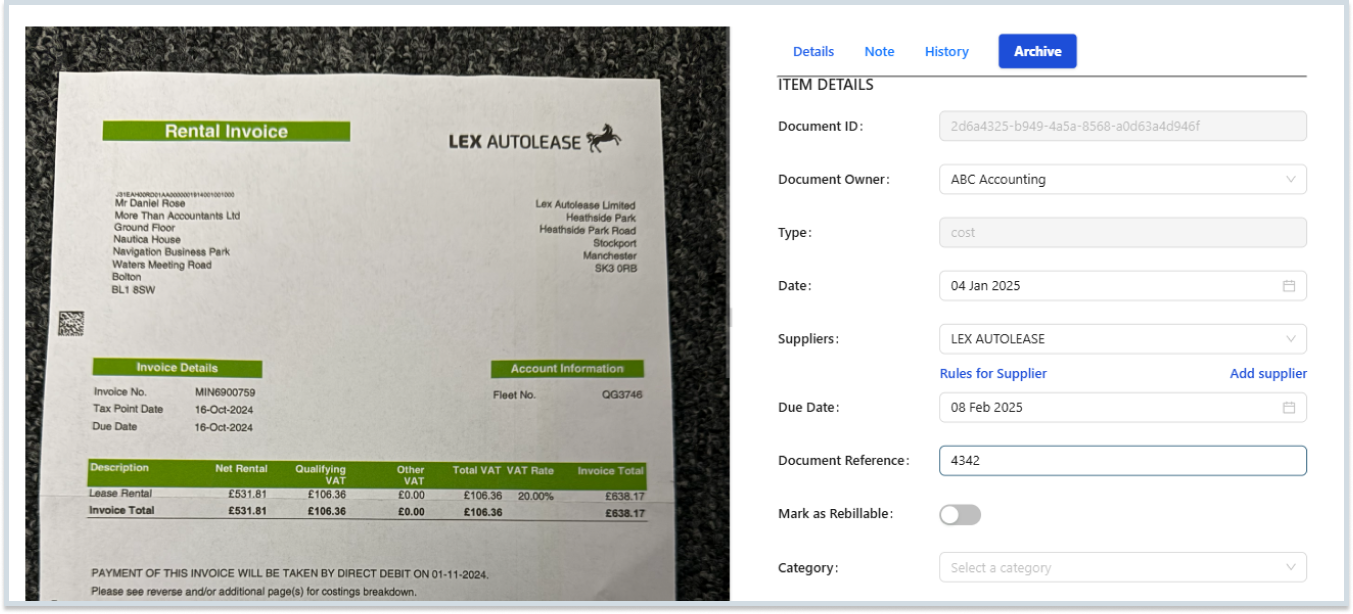
- When you are done fixing issues, click the Publish button to republish your item.

Note: Once you click the Publish button, your edited item will be republished to the accounting software.
Was this helpful?
Thanks for your feedback!