Video Guide
Follow this video tutorial guide to see how to add a customer.
When you submit your sales receipts, Akrio will add customers. However, you can also add your customers manually by following the instructions:
To add a customer:
- Go to the Sales Inbox page.
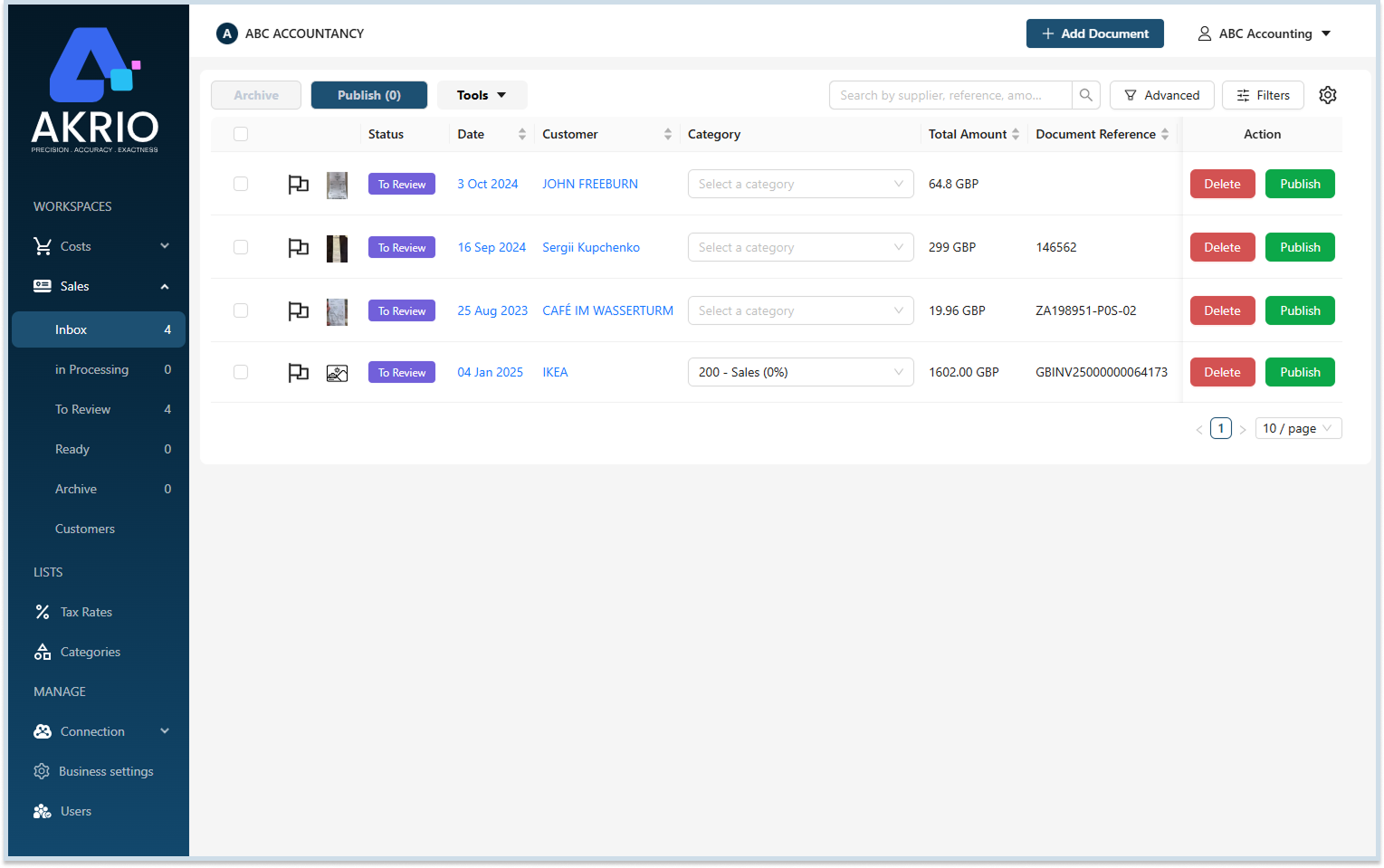
- Select the item to which you want to add a customer.
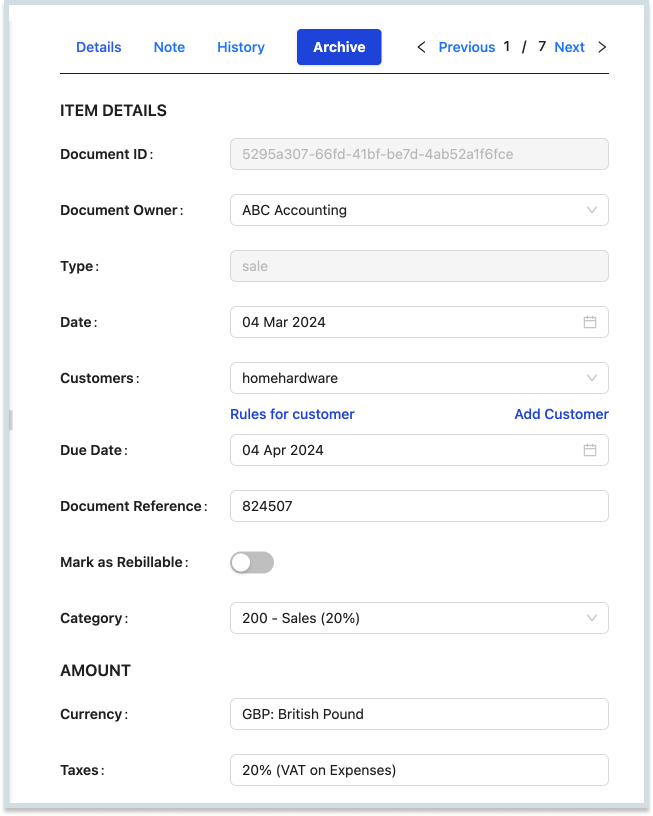
- On the Item’s detail page, click the Customers field and look for the customer you wish to add.
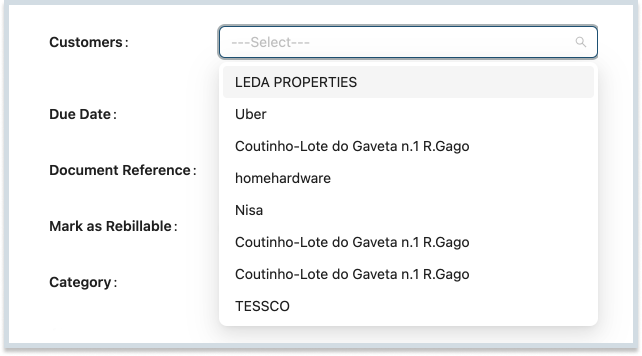
- If you can not find your customer in the list, click the Add Customer button to add a new customer.

- Once you click Add Customer, enter the new customer’s name.
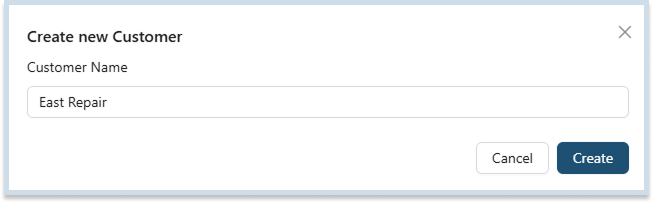
- Finally, click Create, and your new customer is created. You can then find your customer in the list.

Note: The customer added from any document will be accessible to all other and new sales receipts.
Was this helpful?
Thanks for your feedback!