Video Guide
Follow this video tutorial guide to see how to use data table settings.
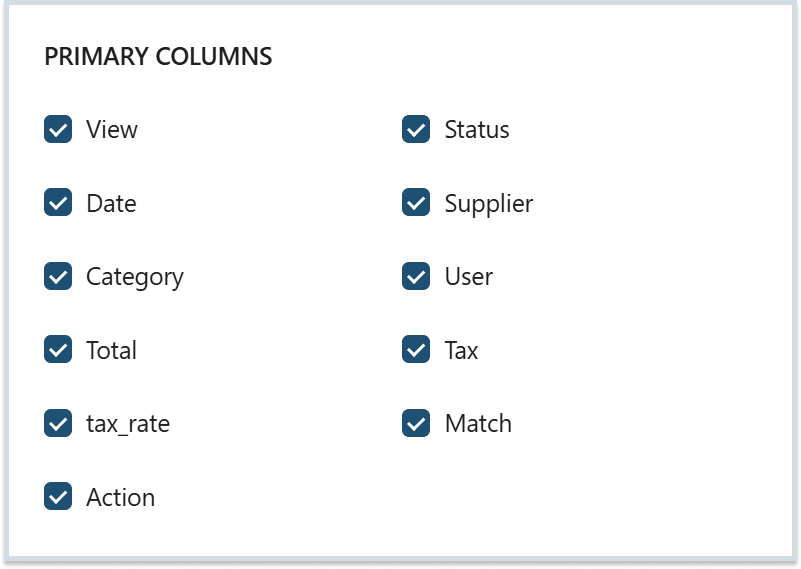
You can use the Data Table settings to edit the view of primary columns in your Costs and Sales Inbox, To Review, Ready and Archives. You can also use some additional columns to organise more data.
To user Data Table Settings:
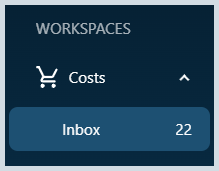
- Navigate to your Costs or Sales item lists.
- Look for the Gear button in the top right corner of the list.

- You can select or deselect the primary columns to view in your items lists.
- Just below the primary section, you can also choose to add Additional columns.
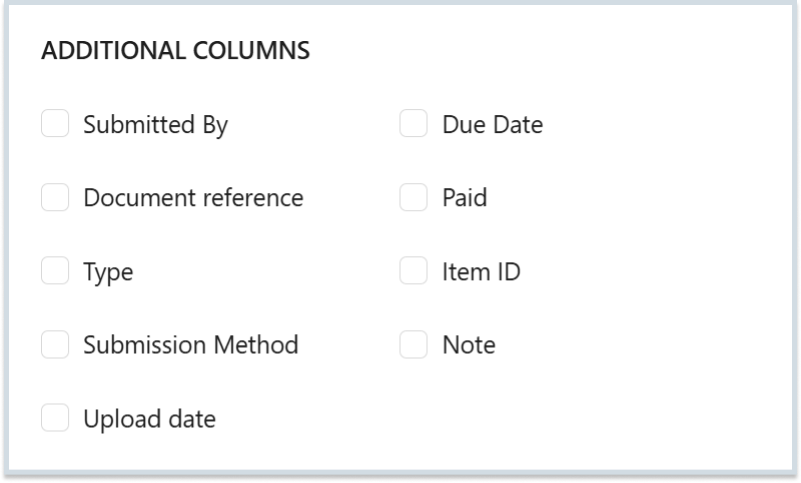
- Make desired additions to the list and click Apply to save changes.

Note: You can use the Clear button to reset all the additional columns; it will not clear the primary columns from your items list.
Was this helpful?
Thanks for your feedback!