Video Guide
Follow this video tutorial guide to see how to edit account information via Akrio mobile app.
Managing your accounting information with the Akrio mobile app is as simple as editing users on the web platform. You can submit a request to change your account information in a few simple steps.
To edit user details in the mobile application:
- Tap on Settings on the top right of your screen.
- Then, tap on Manage Account.
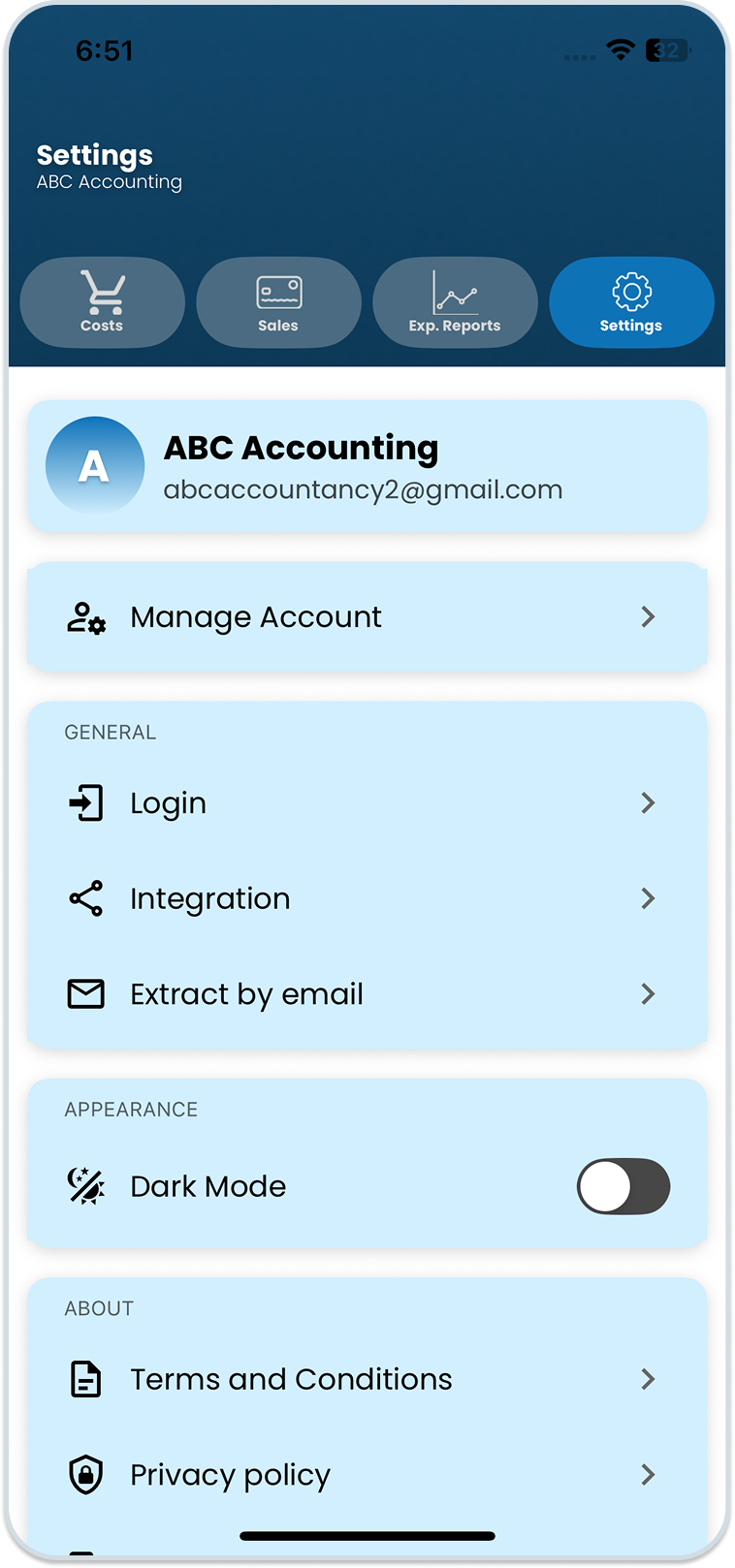
- After that, you will be taken to the Account Information screen.
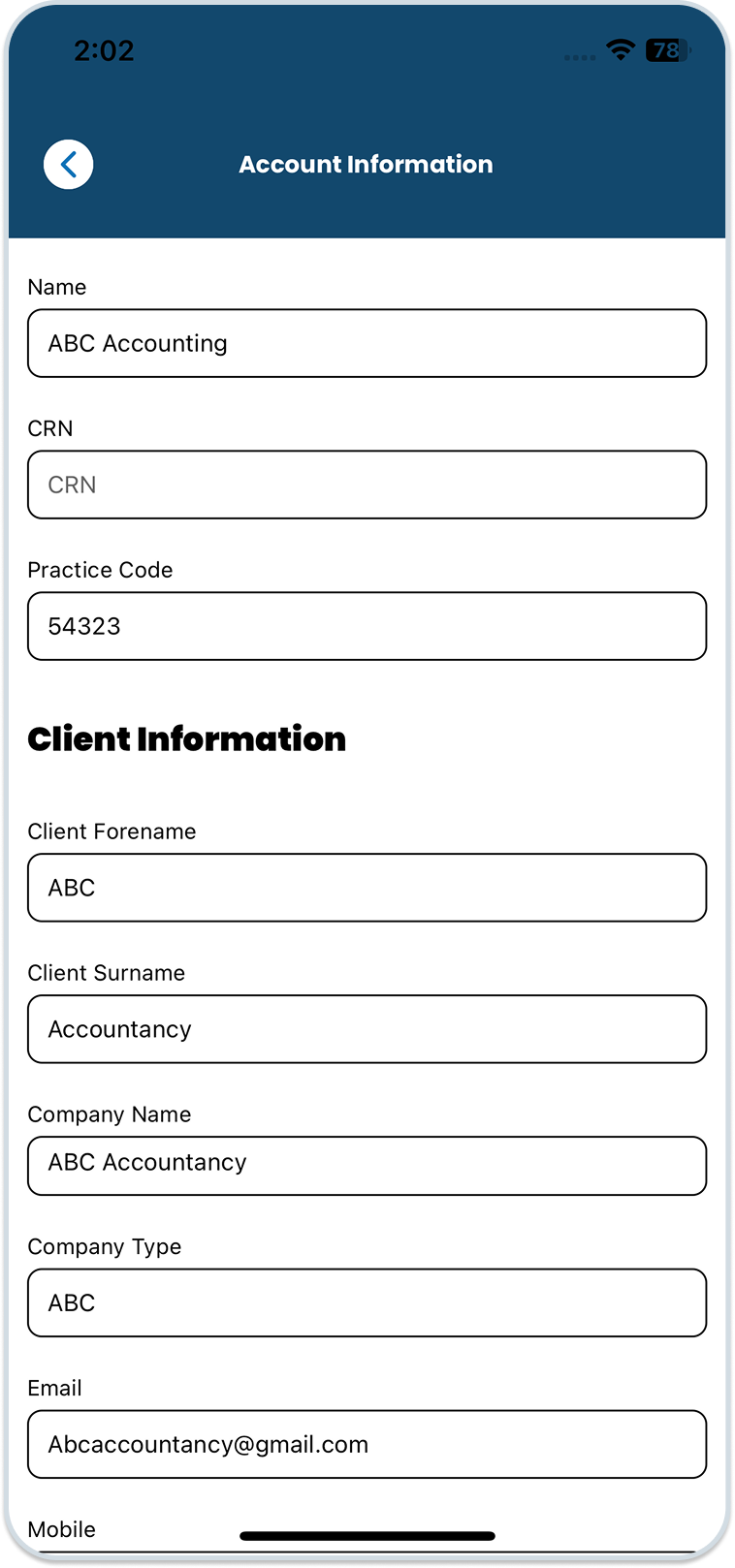
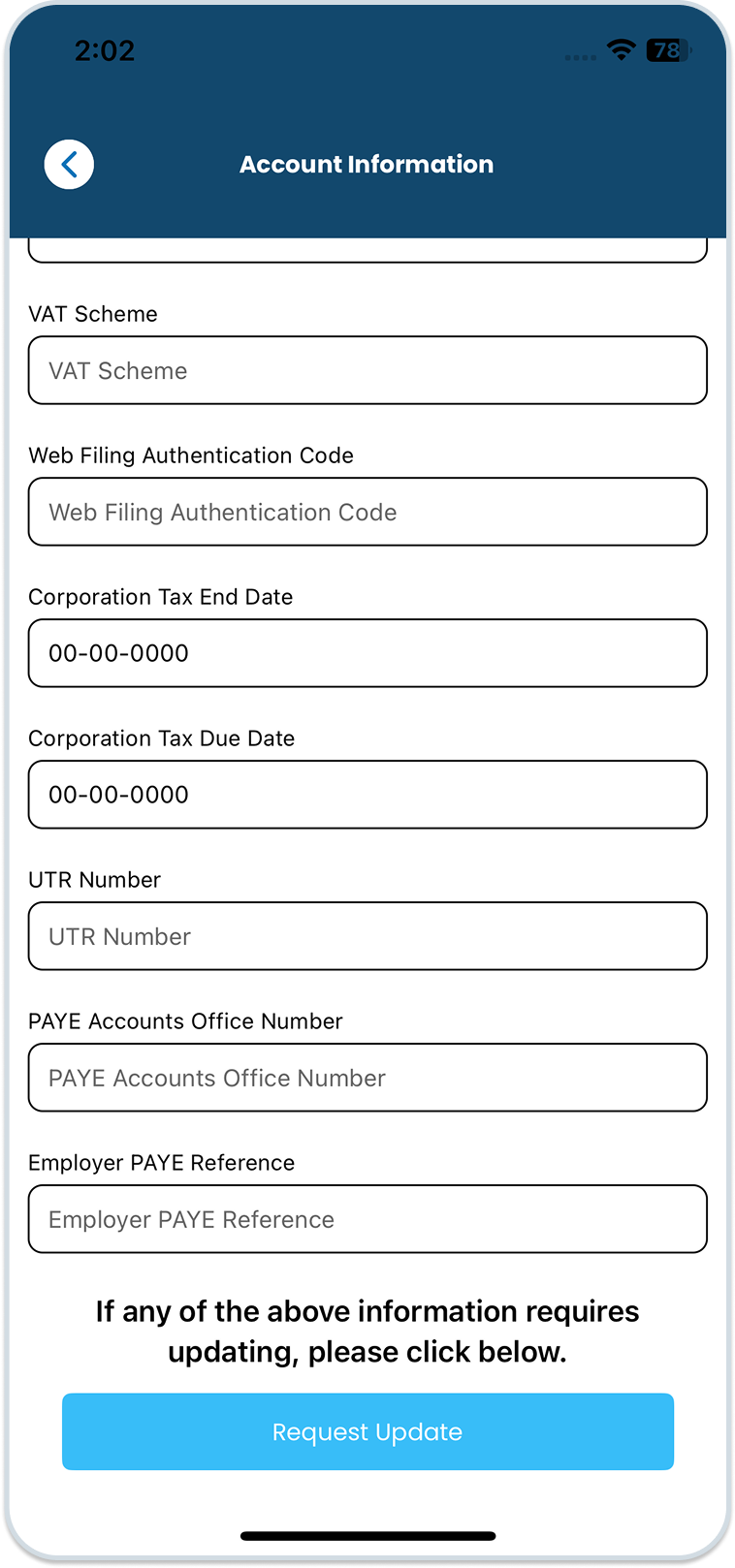
- Scroll down to the end of the screen and tap ‘Request Update’. Now, you can edit any information that requires an update, such as name, company type, VAT schemes, tax deadlines, and more,
- Once you have made all the changes, scroll to the end of the screen and tap ‘Submit Request’.
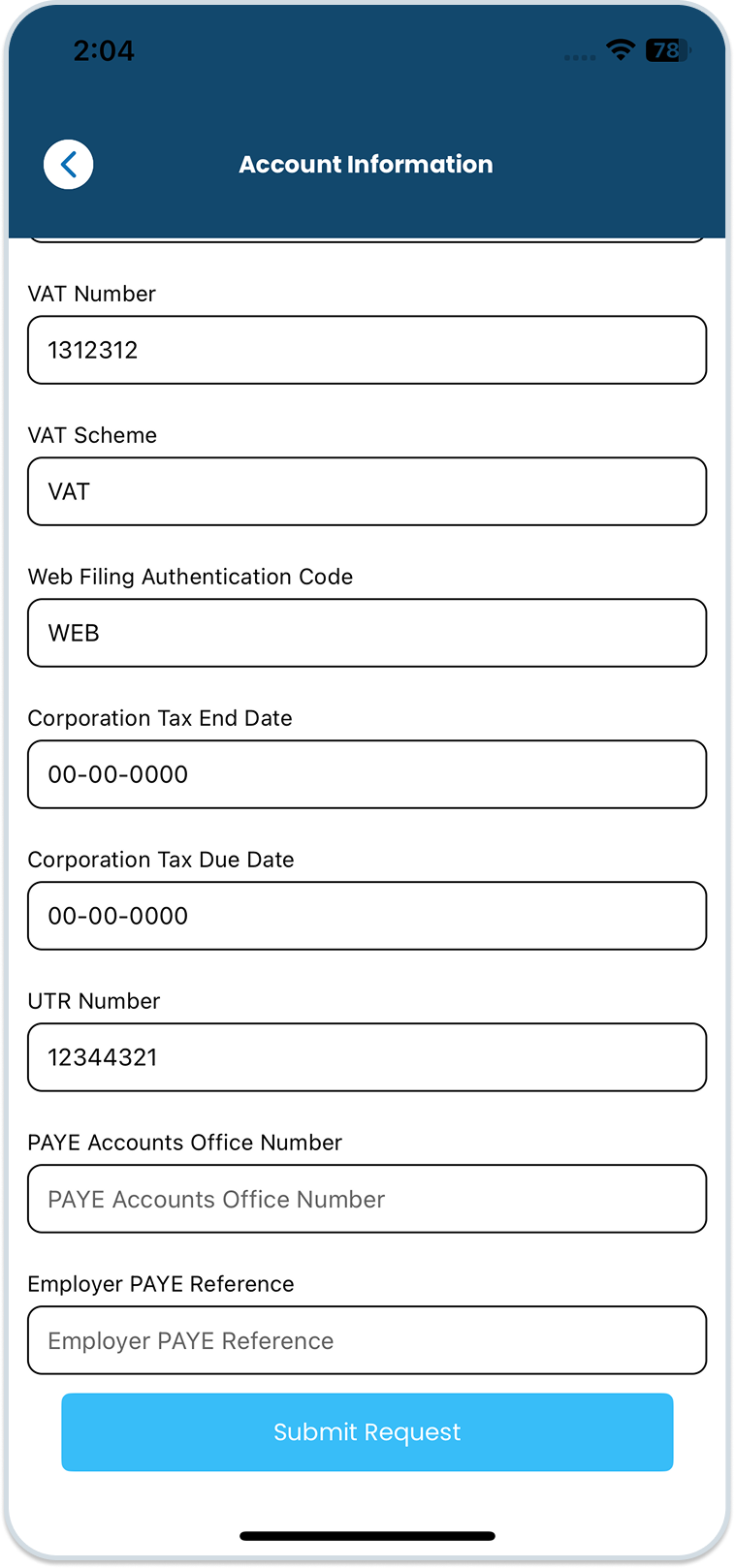
Note: Once you submit the request to update client information, your More Than Accountant’s administrator will approve the update.
Was this helpful?
Thanks for your feedback!