Video Guide
Follow this video tutorial guide to see how to Sign in to Akrio with Xero Via Mobile App
Sign in into Akrio using your Xero account via mobile is as seamless as logging in with Xero via the web app.
To sign in with Xero :
- Tap on the ‘Continue with Xero’ button on the Akrio login screen.
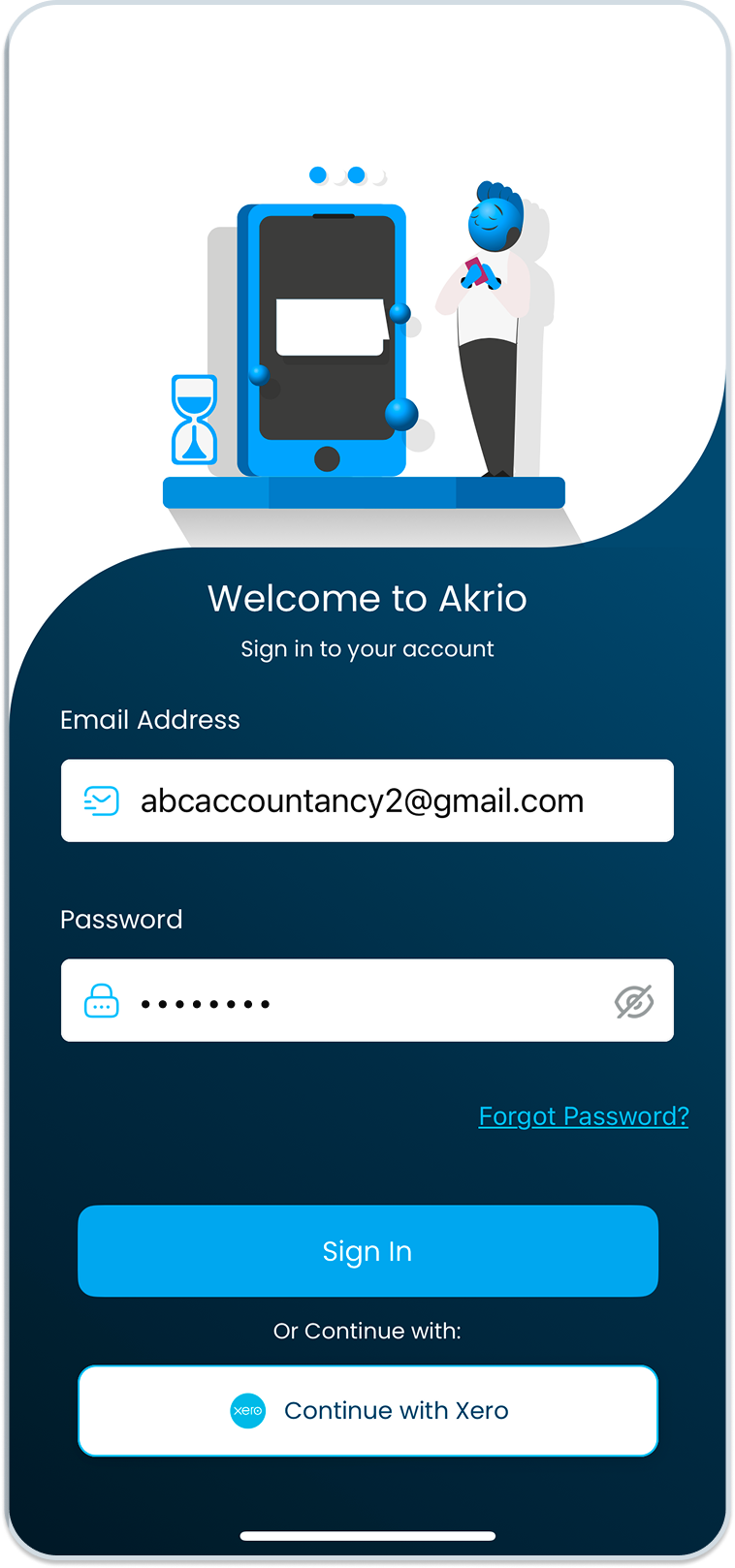
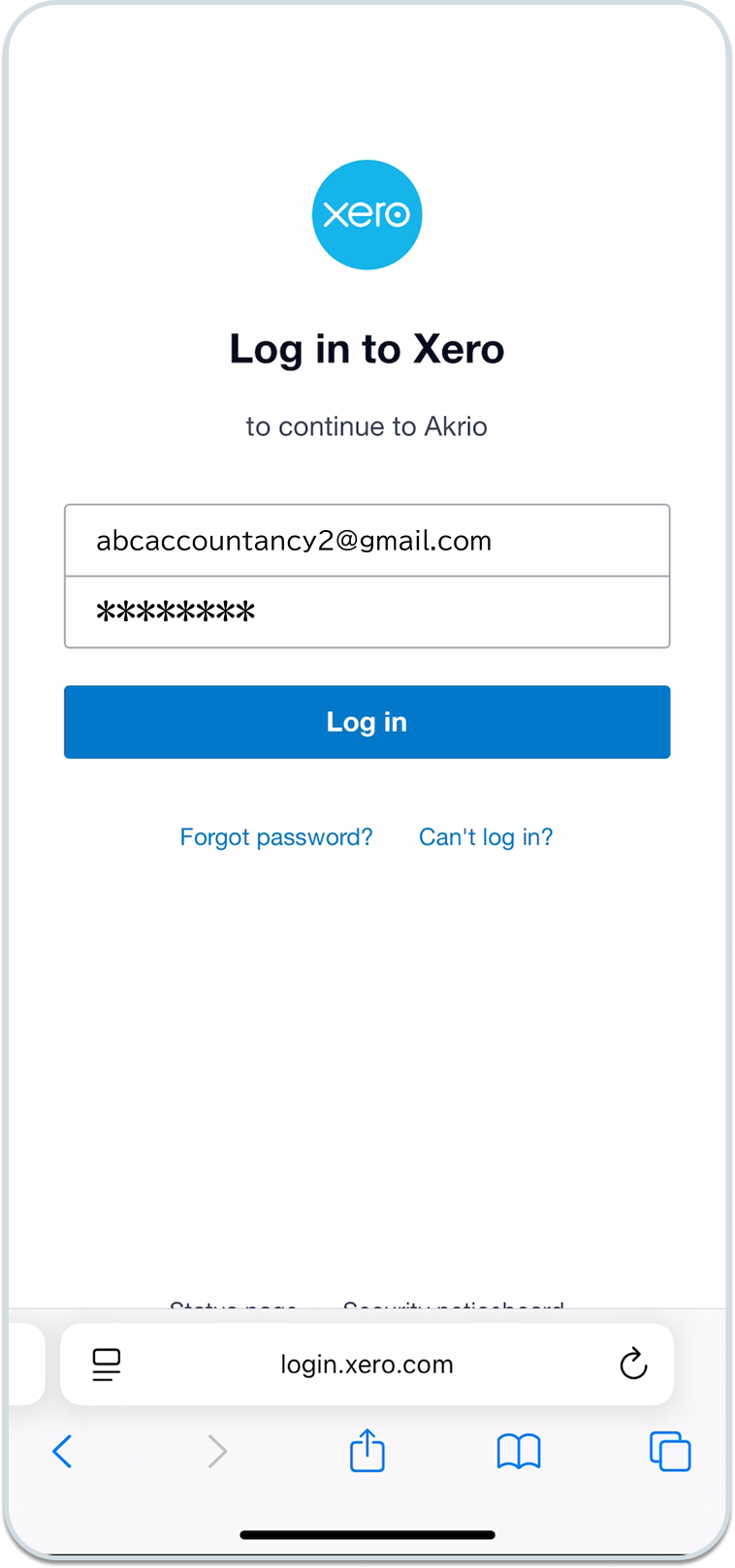
Now you will be redirected to the Xero login page.
- Enter your Xero email and password here and tap ‘Log in.’
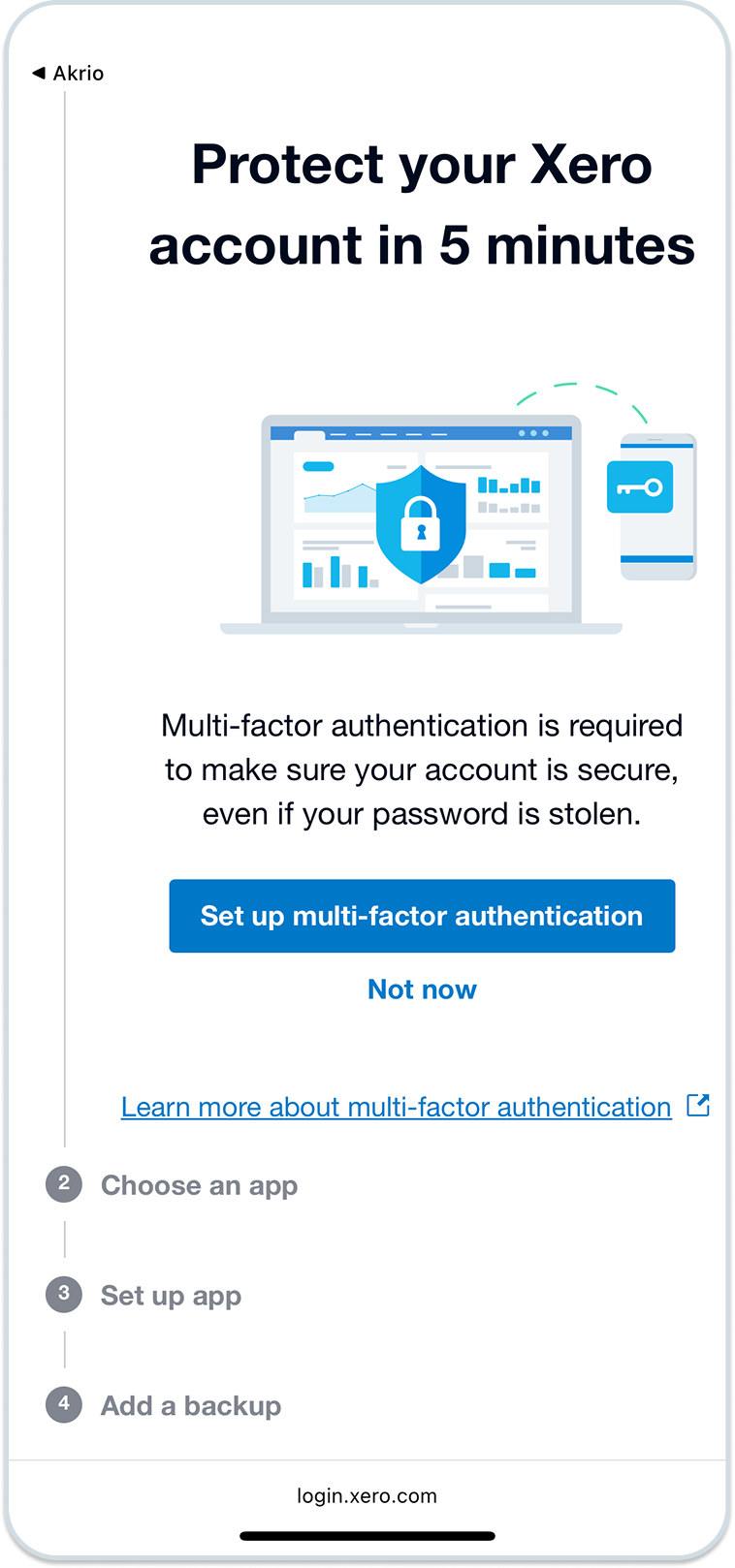
Once logged in successfully, you will get an option to set up multi-factor authentication.
Know more about Xero multi-factor authentication here.
- Tap ‘Not now’ to continue logging.
- On the next page, select the organisation to give Akrio access to and tap on “Continue with Organisation.”
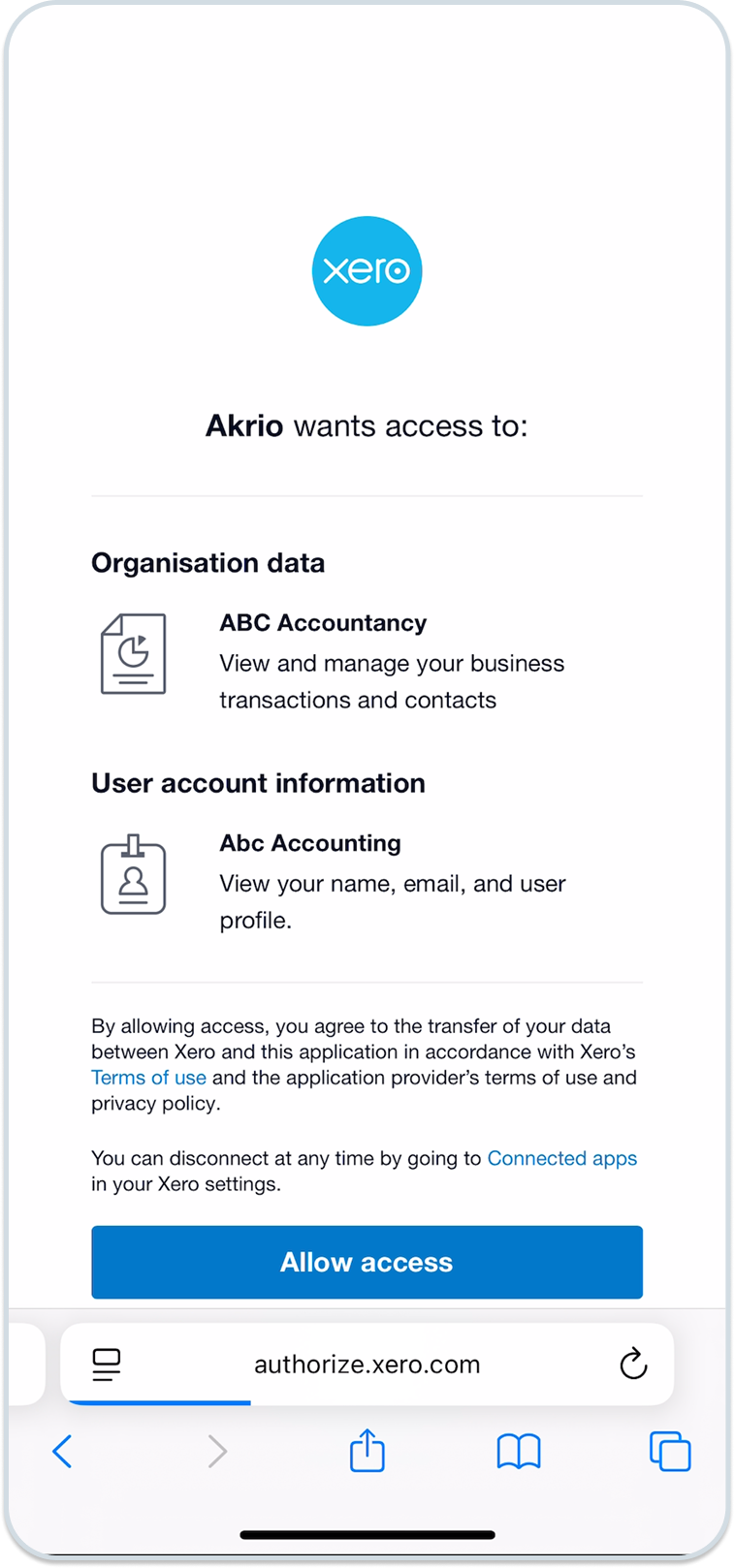
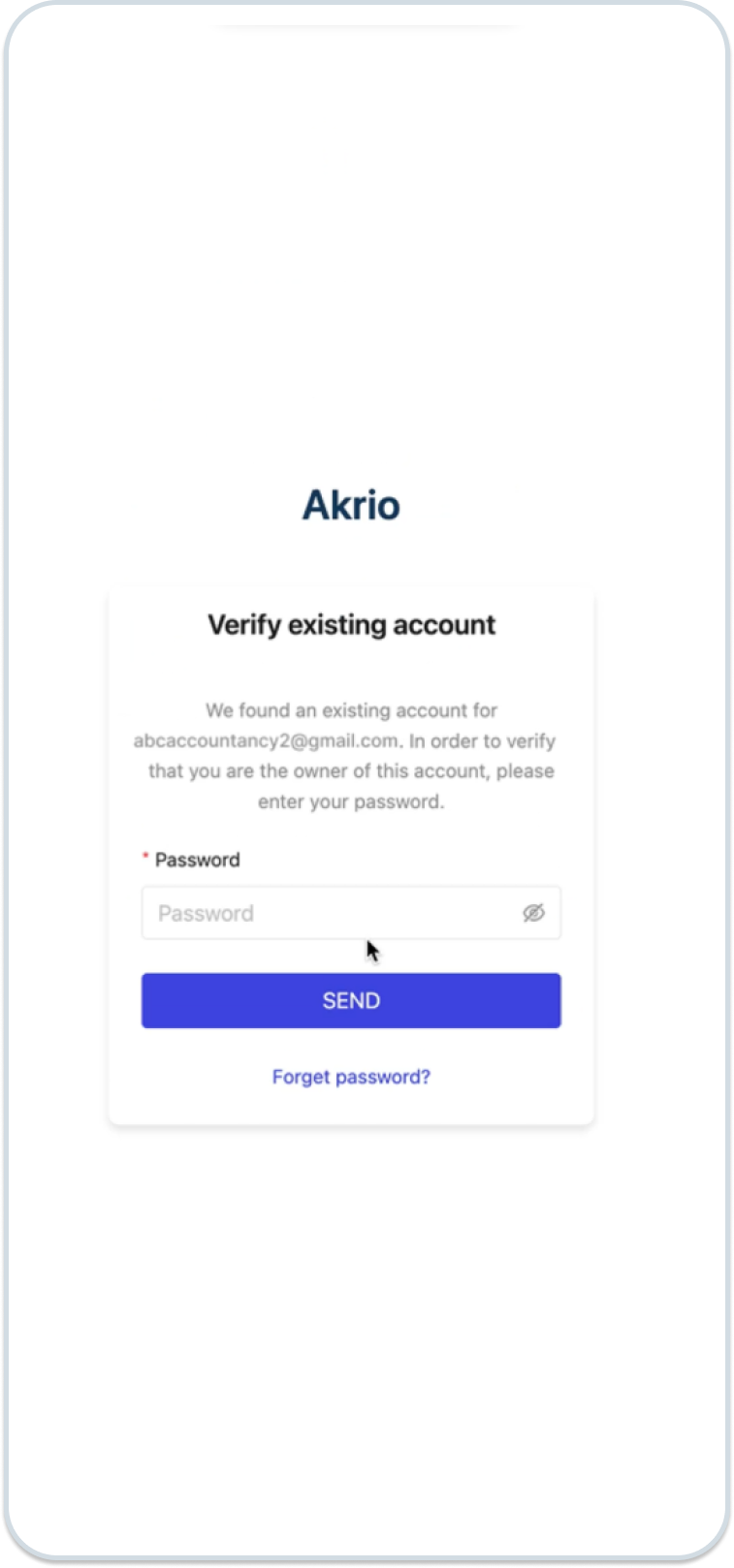
After these steps, you will be redirected to verify that you are the owner of this account.
- Enter your password and tap ‘Send’.
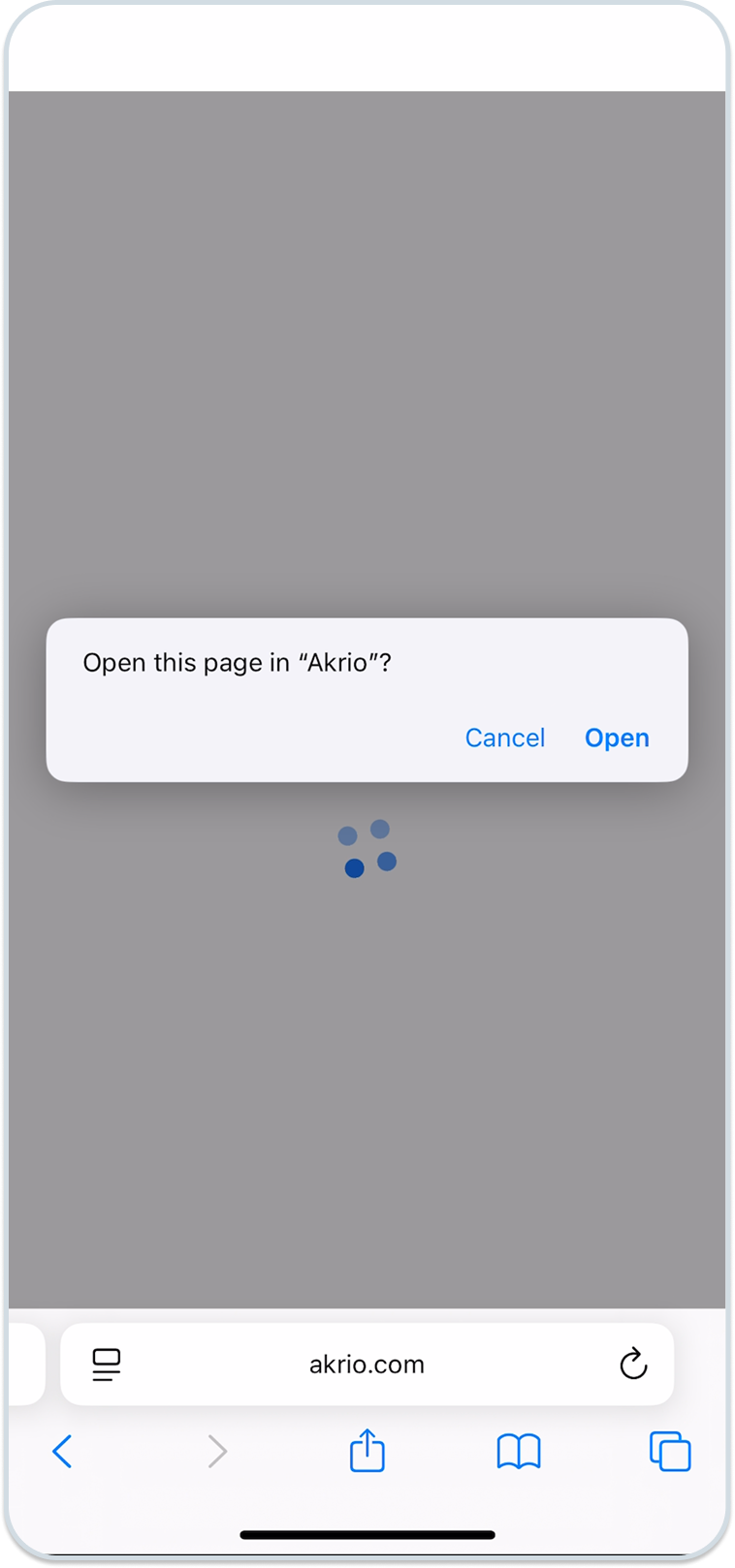
- Now you will be asked to “Open this page in”Akrio”?“. Tap “Open”
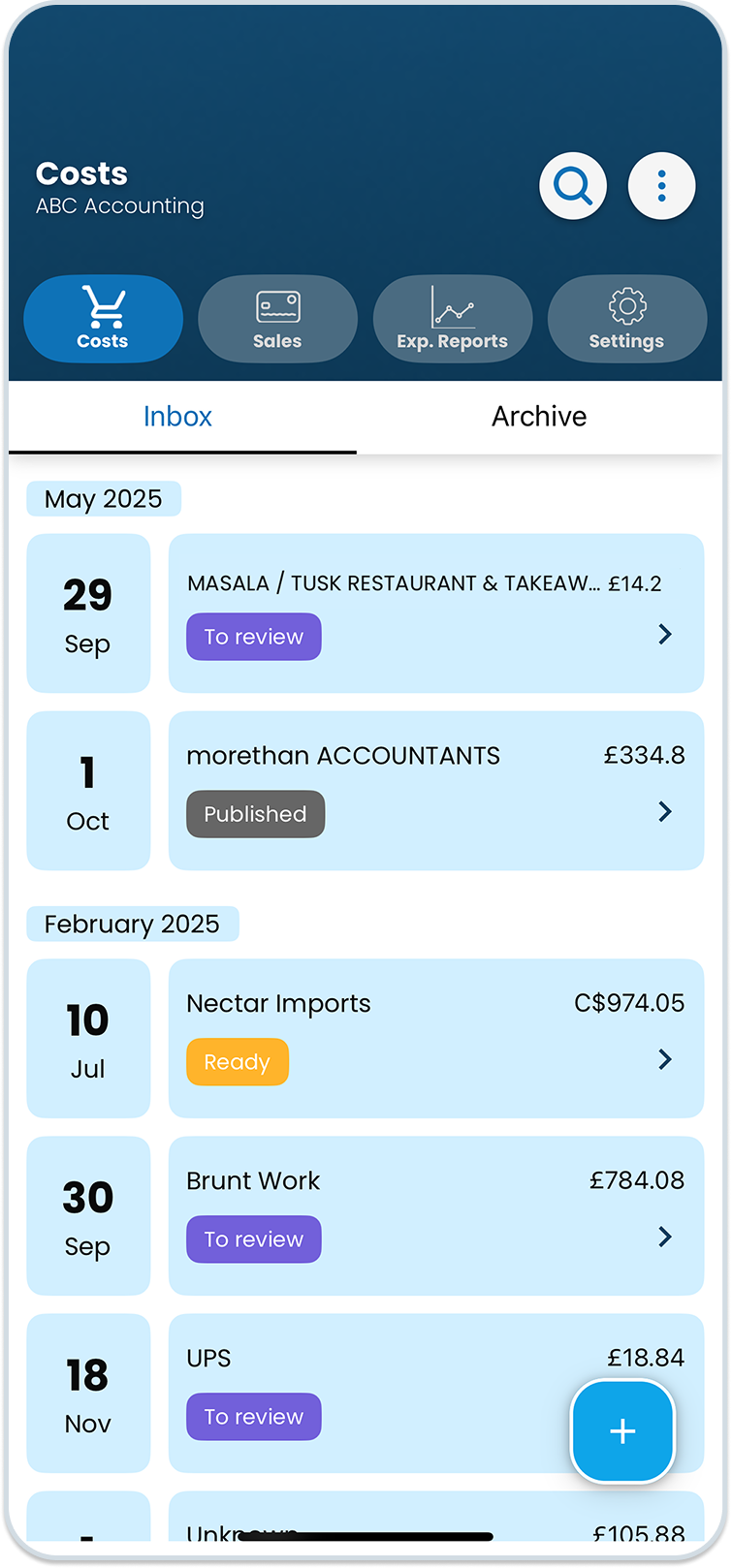
- Finally, you will be taken back to your Akrio account.
Note: For more guides like this, browse our Akrio Knowledge Base.
Was this helpful?
Thanks for your feedback!