Video Guide
Follow this video tutorial guide to see how to apply filter to documents in Akrio mobile app.
You can use various filters to show only the cost and sales documents you want. Applying filters helps you to find the exact costs or sales documents specific to the selected filter.
To apply filters:
- From your home page, navigate to the cost or sales inbox or archives.
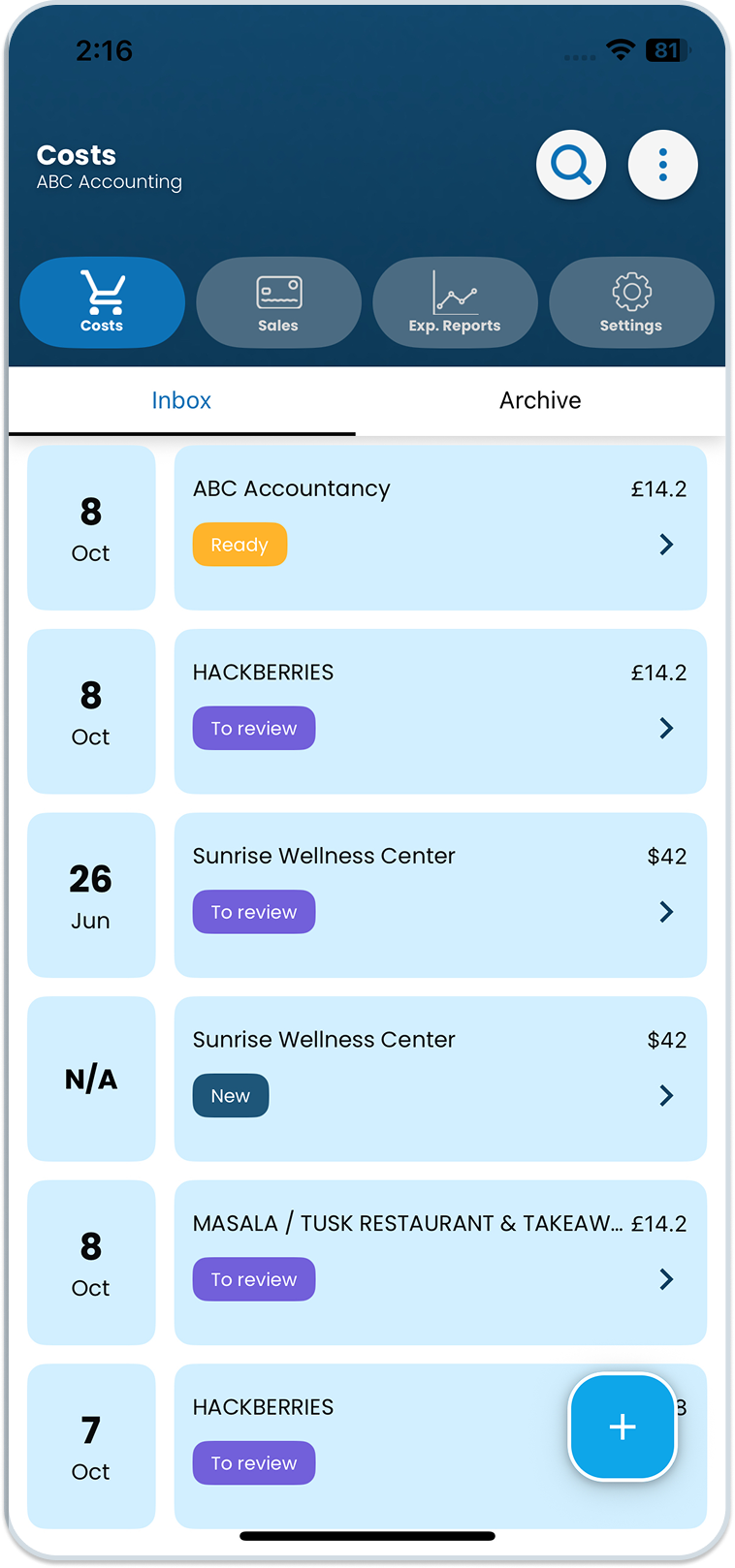
- On the top right side of your screen, find the ellipsis icon.
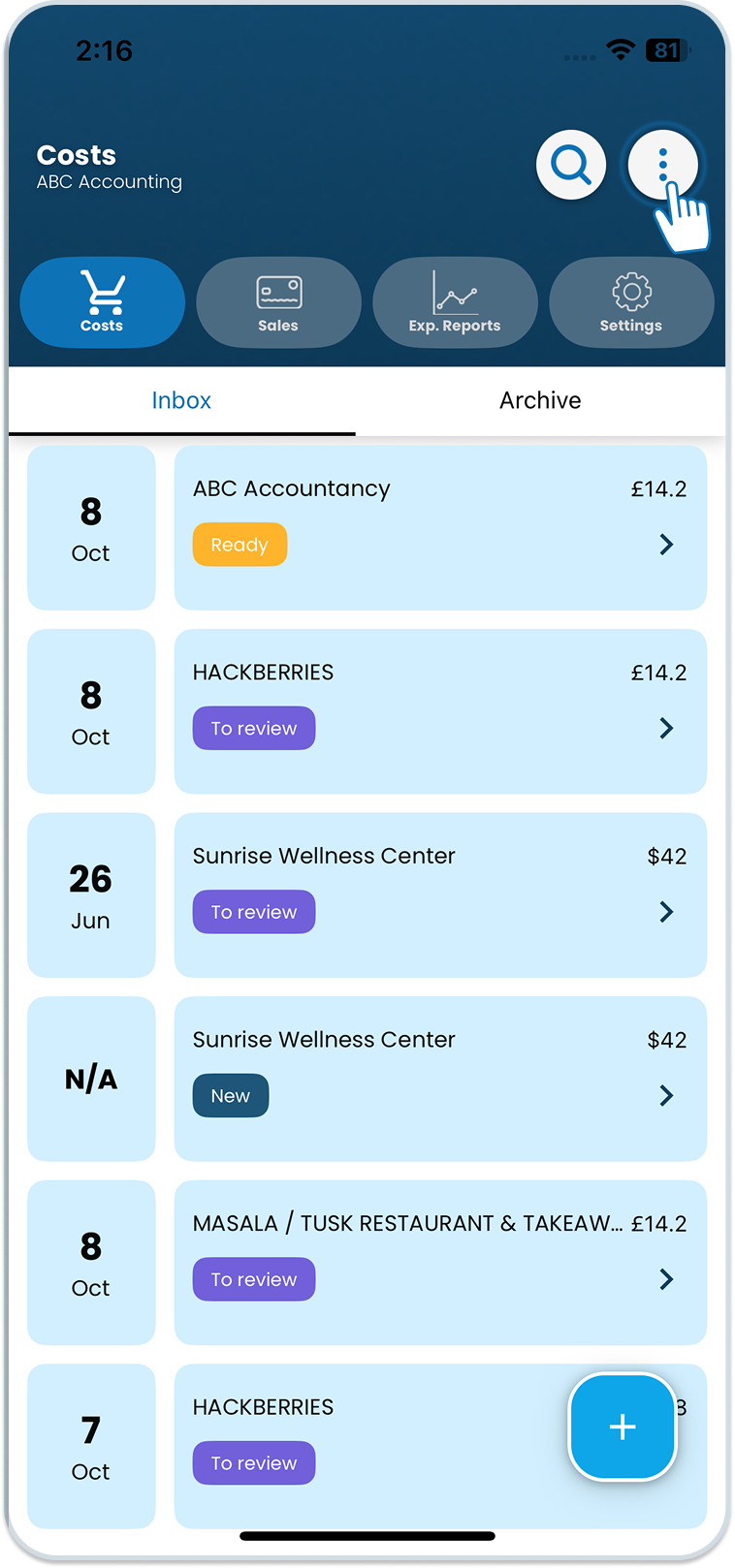
- Tap the icon to view the drop-down menu from which you can tap the Filter button.
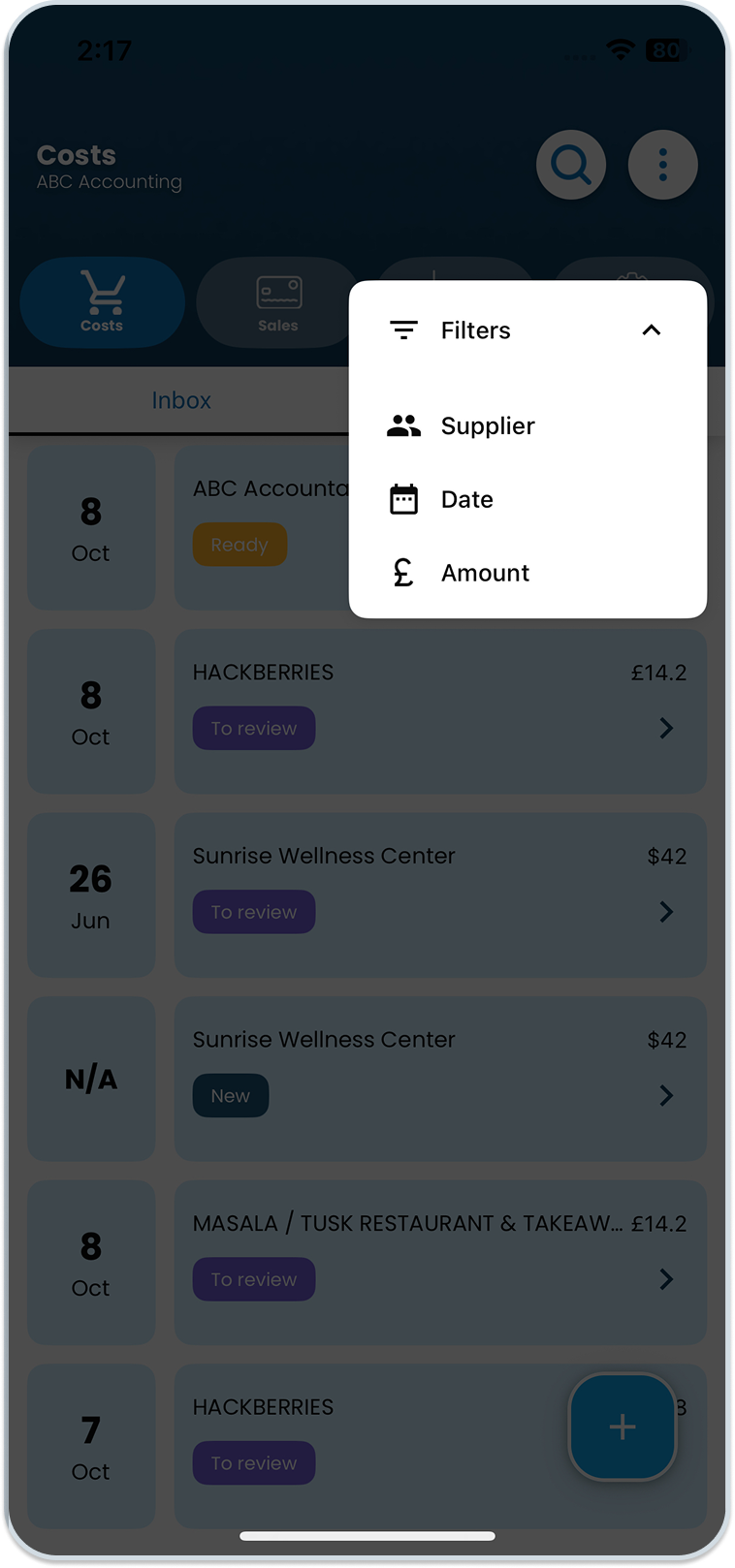
- Select the desired filters and click ‘Apply’ to view the specific invoice or sales document.
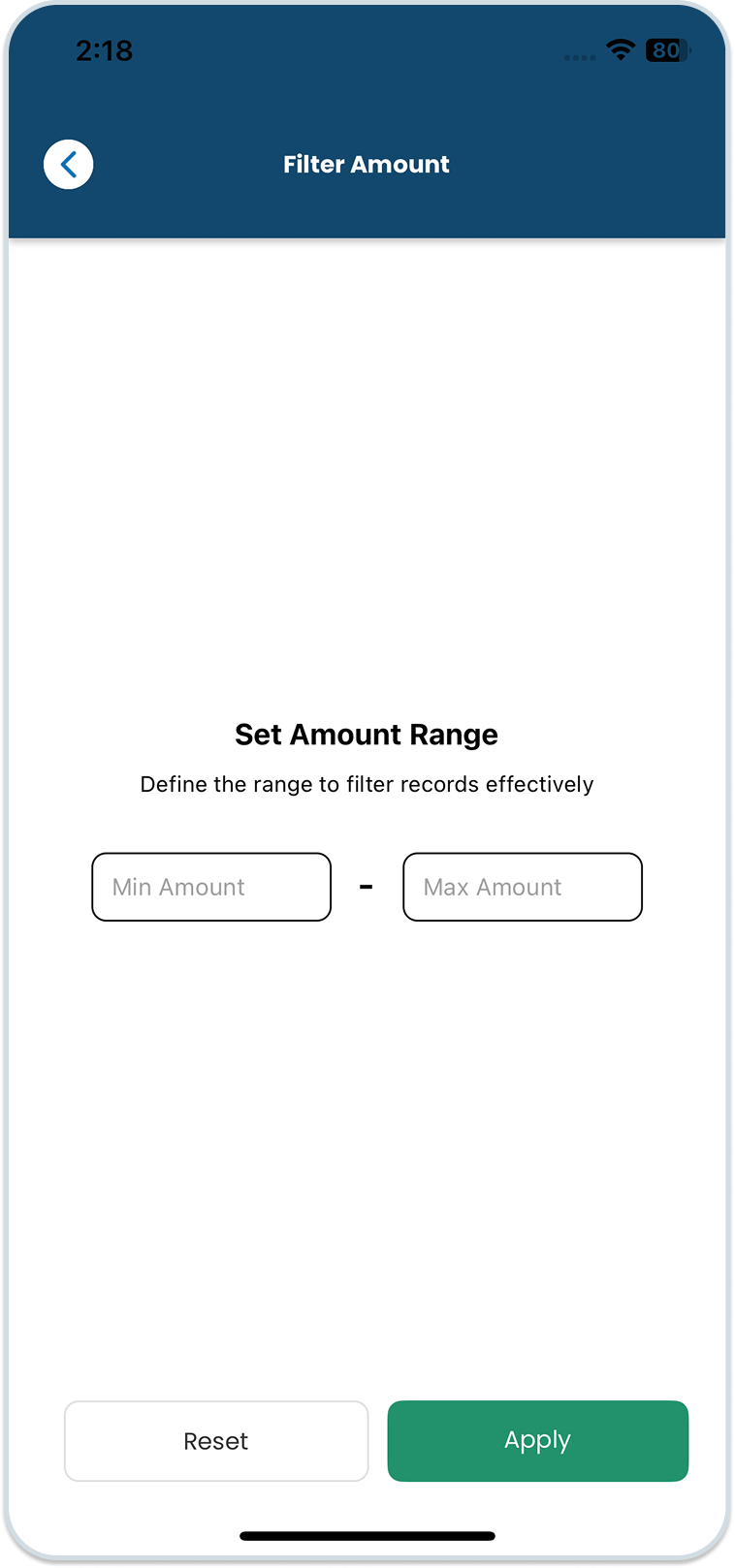
Tapping the Apply button will update the document list based on the selected filter criteria.
Was this helpful?
Thanks for your feedback!