Video Guide
Follow this video tutorial guide to see how to add Multiple users in Akrio.
To add multiple users to your team in the Akrio account, follow the instructions below:
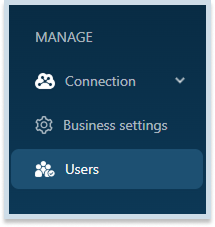
- Navigate to the Users section in the Akrio.
- Then, click +Add Multiple Users button.

- Now, manually add each user’s first and last name, email, phone number, and role.
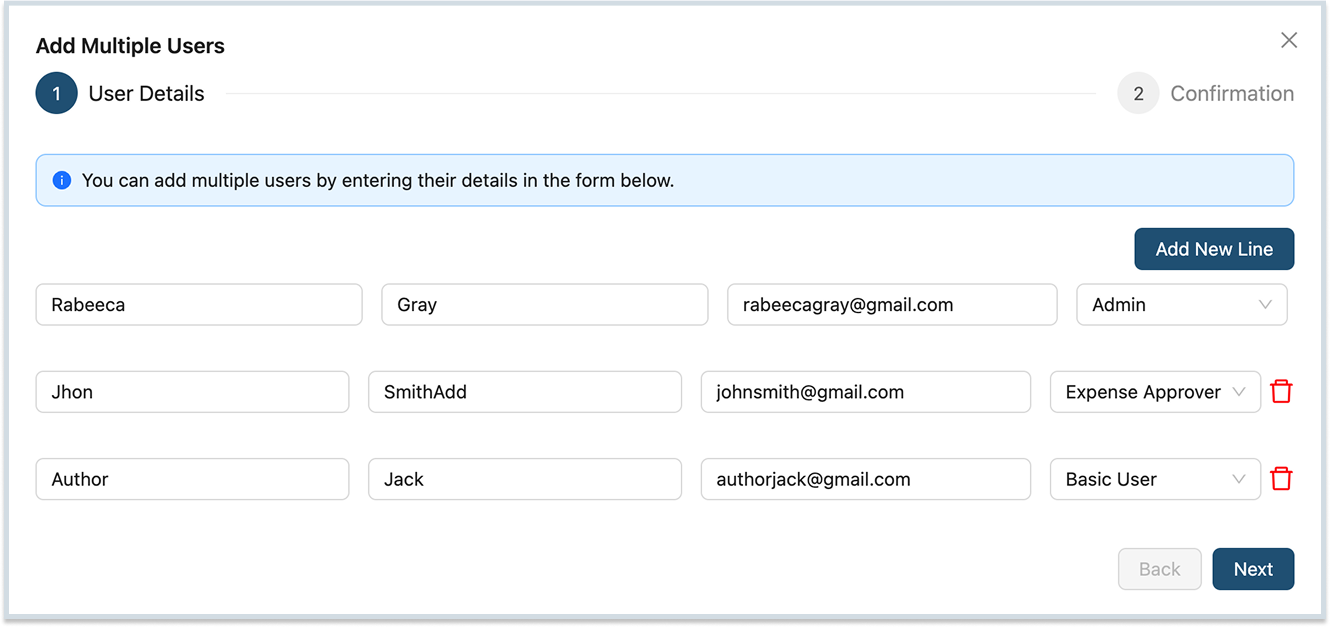
- After putting details of all users, click Next.
- Here, you can optionally send an email invitation to each user.
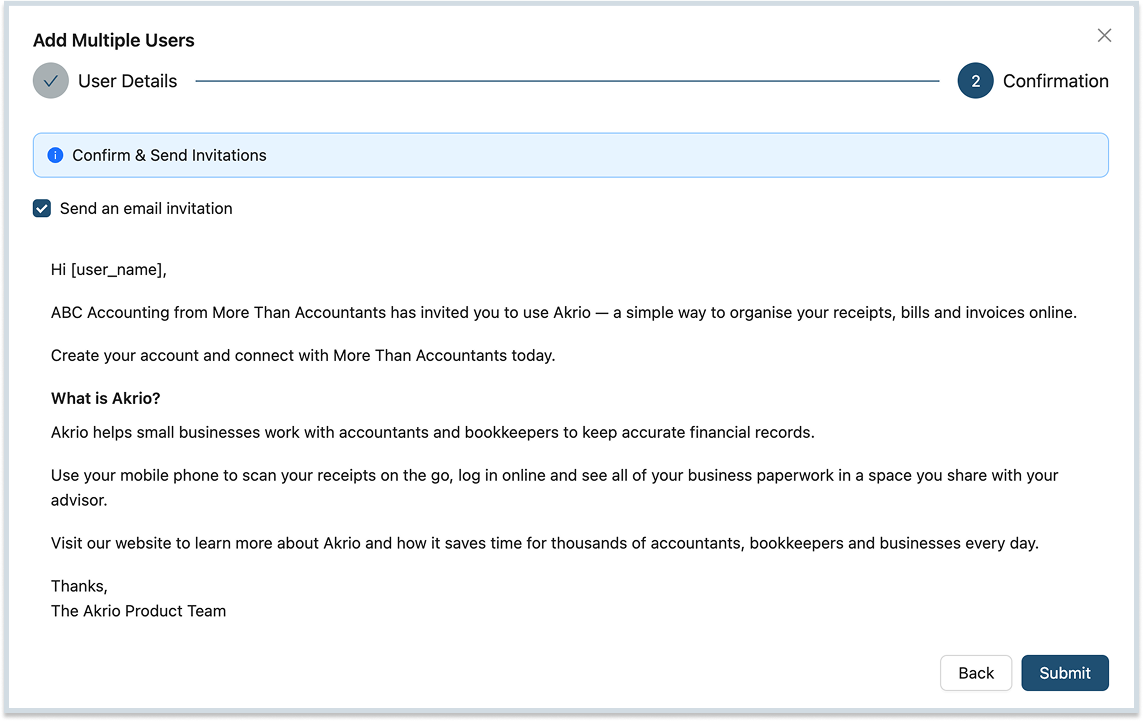
6. Finally, click ‘Submit‘, and the users will appear in your Team Member List.
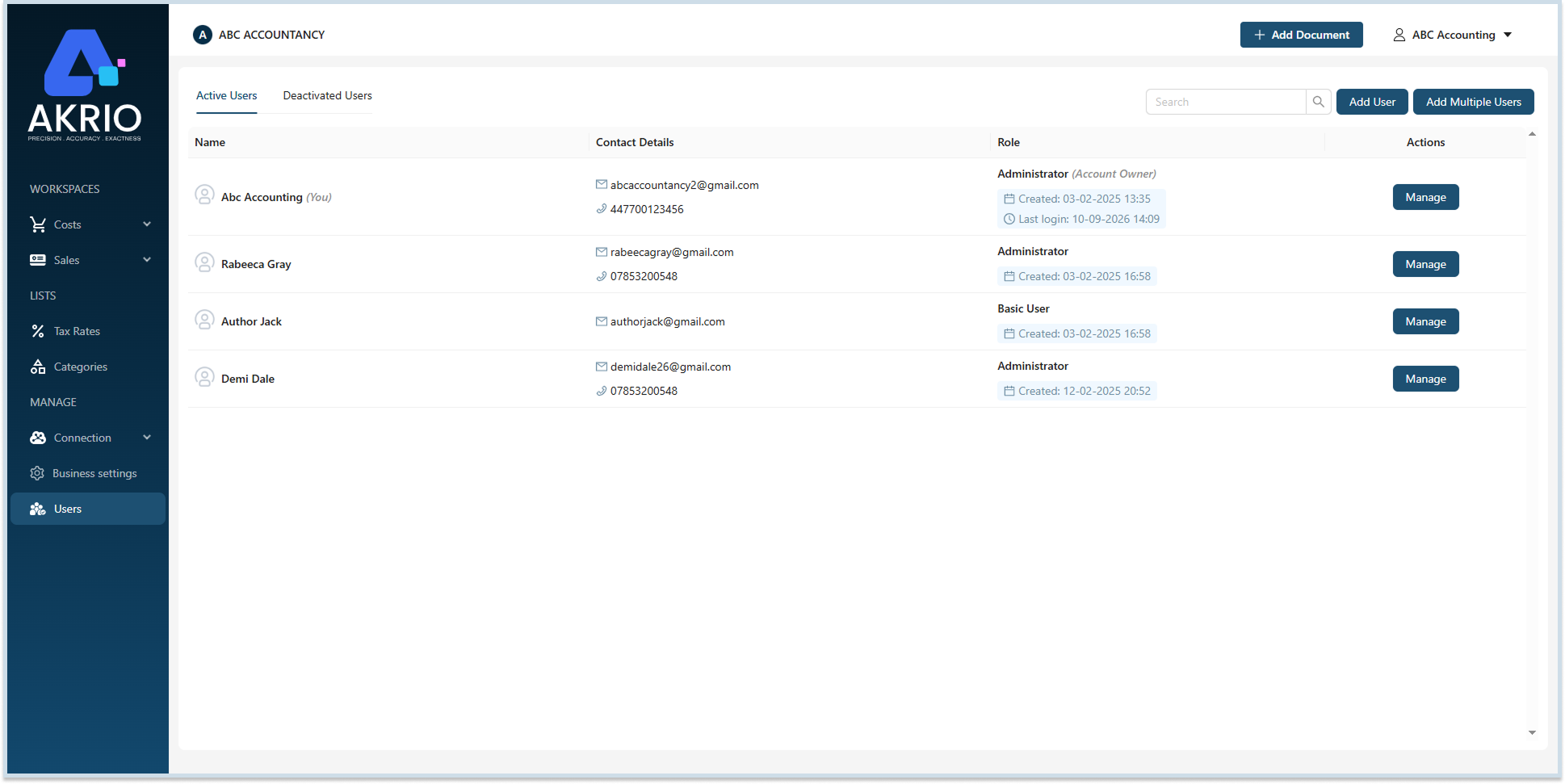
Note: Once you add multiple users to your team, you can individually manage their details, privileges, and passwords.
Was this helpful?
Thanks for your feedback!