Video Guide
Follow this video tutorial guide to see how to merge multiple invoices.
To Merge Multiple Invoices:
- Select multiple invoices from the list you want to merge by checking the boxes next to them.
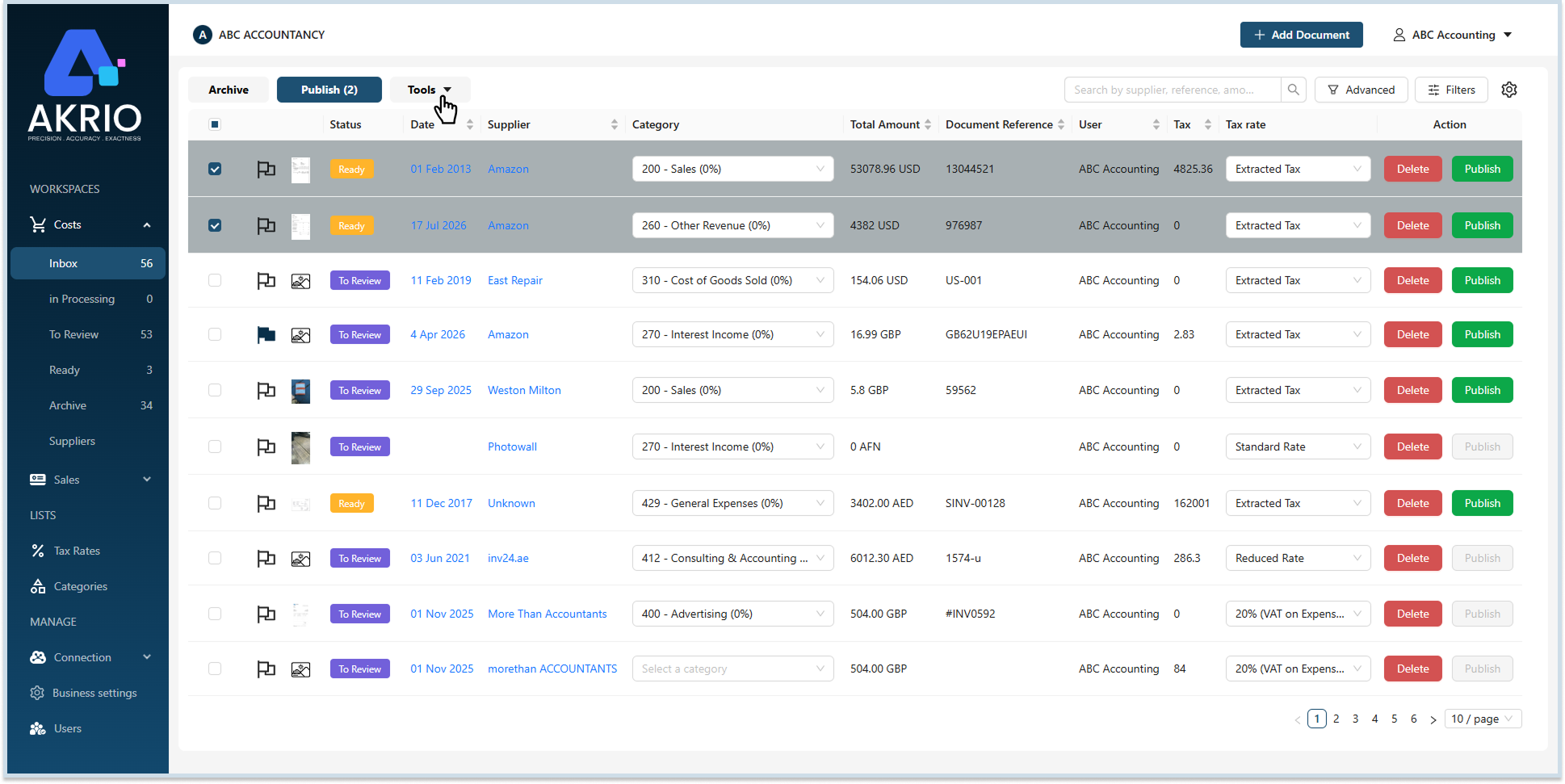
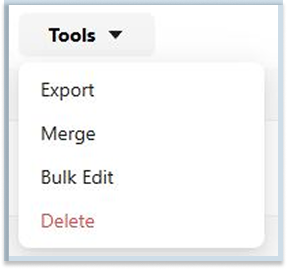
- After selecting the invoices, click Merge under the Tools at the top of the page.
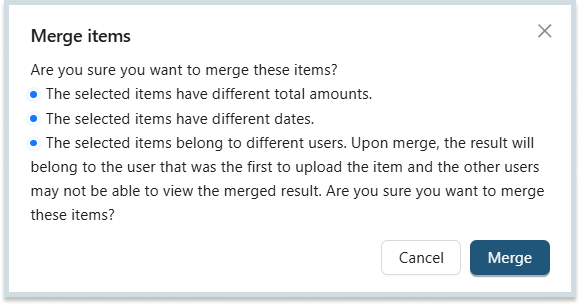
- A popup prompt asks if you want to merge the selected invoices. Click Merge to confirm.
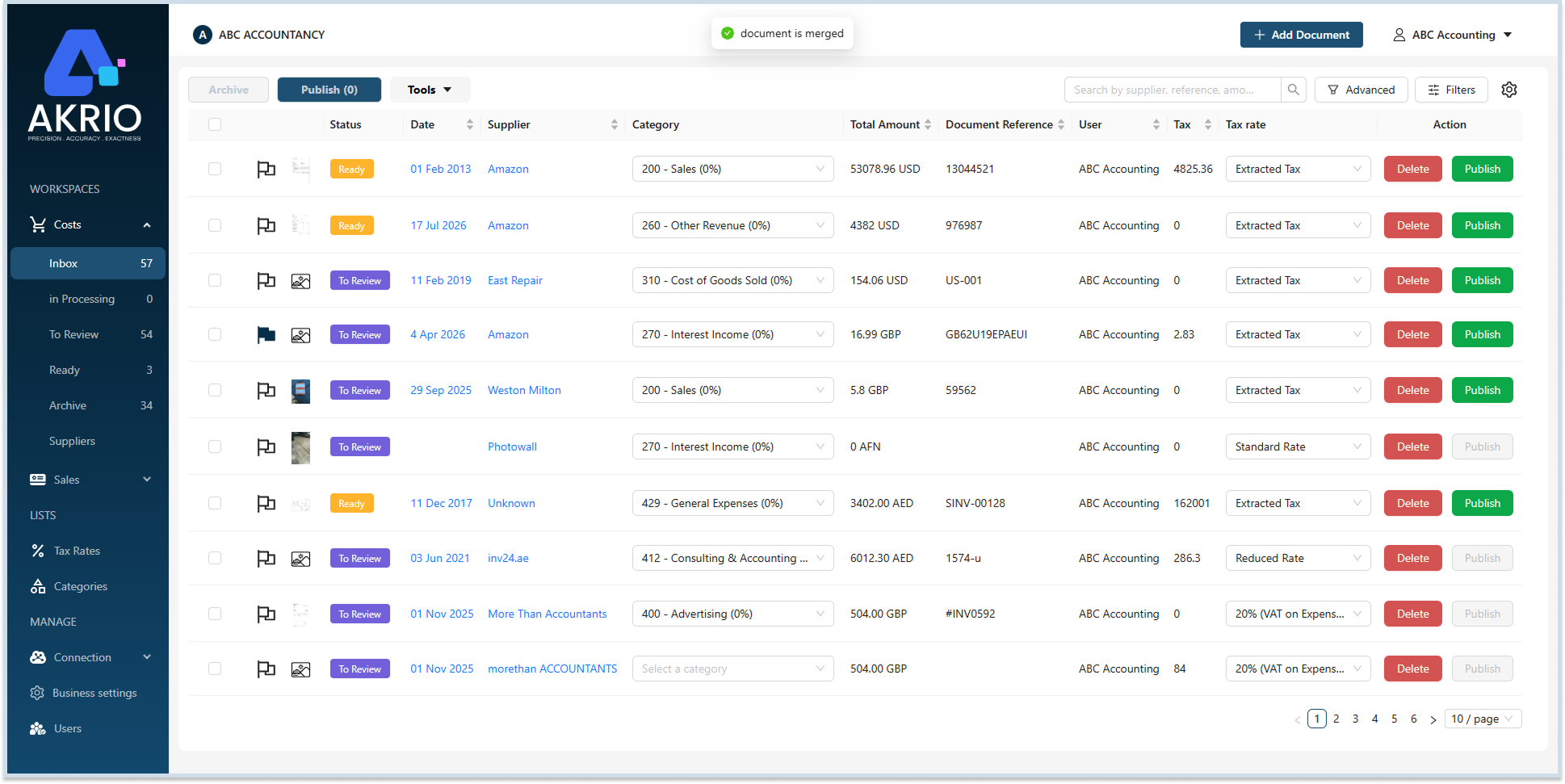
- Once merged, a new combined invoice will be generated.
Note: To avoid discrepancies, ensure the invoices you wish to merge are for the same client and date range.
Was this helpful?
Thanks for your feedback!