Video Guide
Follow this video tutorial guide to see how you can Upload Costs & Sales Documents Via Web Version of Akrio.
To Upload a Costs or Sales Document:
- In the web panel, click the “Add Documents” button at the top right of the web app page.

- Select the “Costs or Sales” tab in the document upload panel on the right side of the screen.
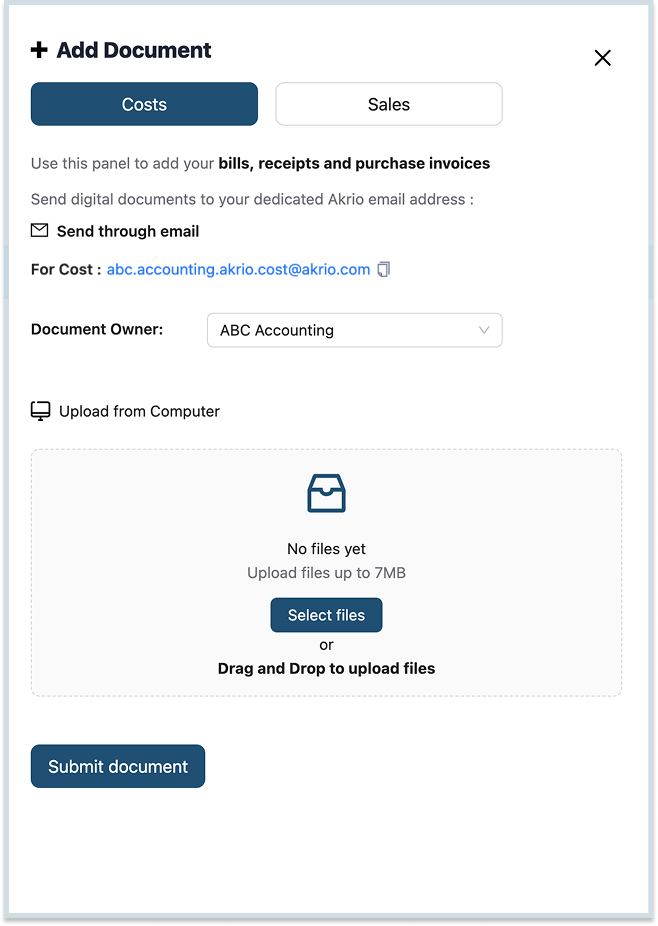
- Select the appropriate owner from the list. If there’s no specific owner, choose “None.”

Note: The owner can be changed later from the Item Details page.
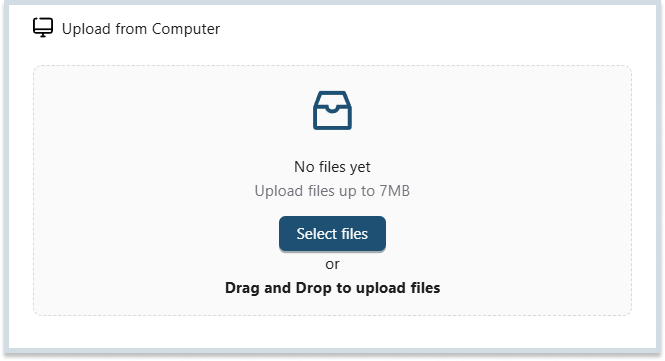
- You can upload your document(s) using the drag-and-drop feature or by selecting the file(s) from your computer.
- Press the submit button once your uploaded document(s) is successfully uploaded.
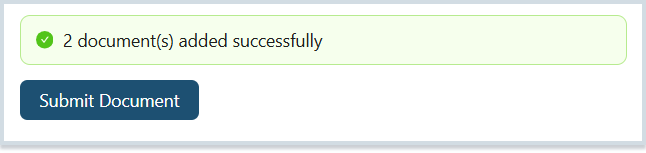
Note: Your document will move to ‘In Processing’ for extraction. Once the extraction is complete, it will appear in your inbox for further use.
Was this helpful?
Thanks for your feedback!