Video Guide
Follow this video tutorial guide to see how to set up your Akrio practice account.
How to Create an Akrio Practice Account
How to Verify Your Email Address
How to Complete the Onboarding Process
How You Can Log In to Your Akrio Practice Account
How to Create an Akrio Practice Account
- How do I start signing up for an Akrio Practice Account?
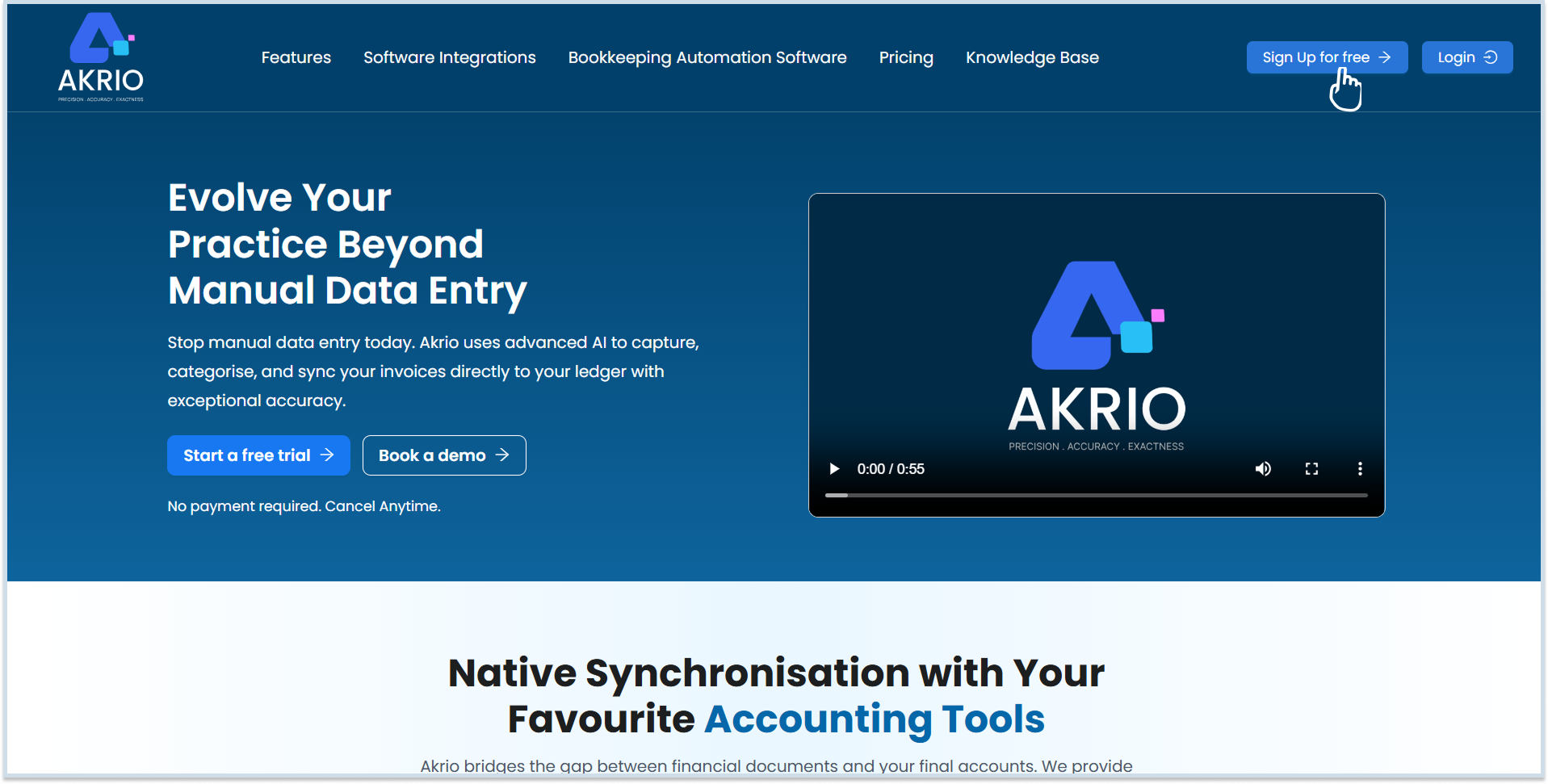
To sign up for an Akrio Practice Account, go to the Akrio homepage and click Sign Up for Free in the top-right corner of the screen.
- How do I choose between a practice account and a business account?
After clicking Sign Up for Free, you will be taken to the next page, where you can choose the account type that best suits your preferences. Since you are creating an Accounting Practice account,
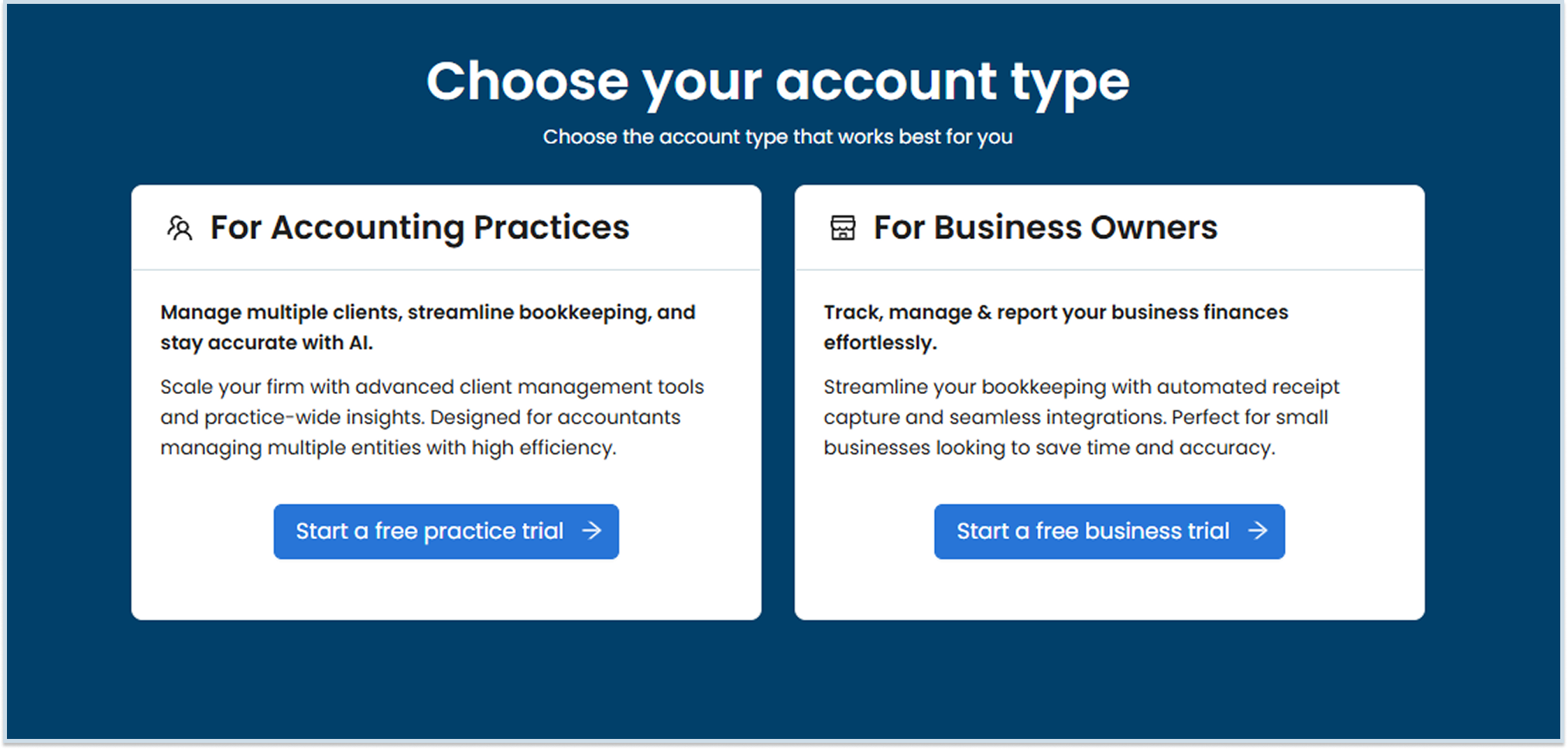
Click Start a Free Practice Trial under the Accounting Practice option.
- How do I fill in Step 1 of the sign-up form?
The first page you see after selecting “Start a Free Practice Trial” is the Account Details page.
Complete all mandatory fields by entering your First Name, Last Name, and Work Email Address. Then, create a strong password as you type, Akrio validates your password in real time and indicates whether it meets the required security criteria. Once all required information has been entered successfully, you can proceed to the next step.
On the same page, enter your Mobile Number after selecting the appropriate country code from the drop-down.
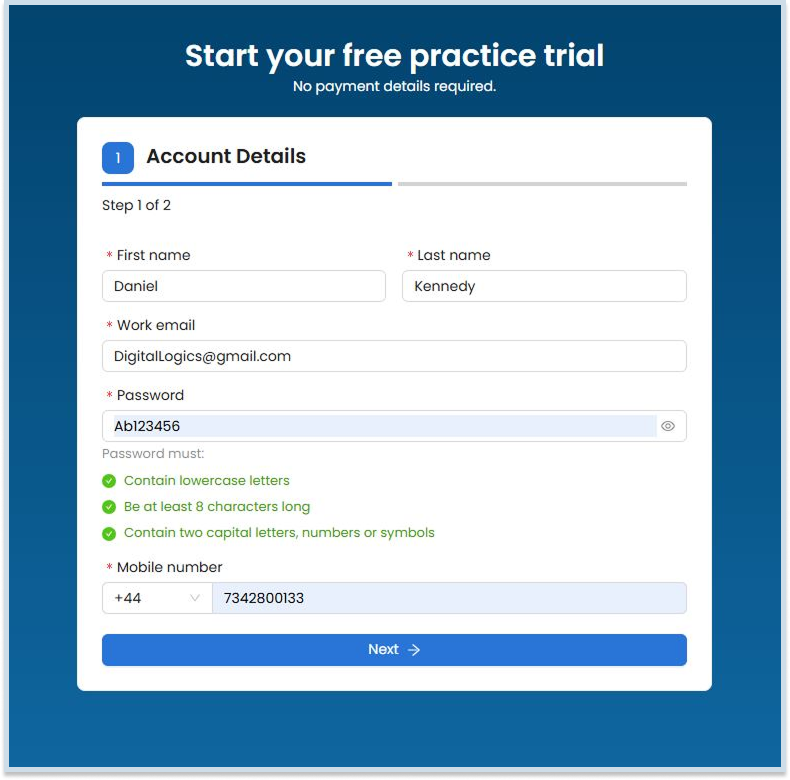
Once you’ve completed this step, click Next to proceed.

- How do I complete Step 2 of the sign-up form?
Step 2 is the final step in creating your Practice Account. Select your country from the drop-down menu and enter your Practice name. Once you have reviewed Akrio’s Terms and Conditions and Privacy Policy, select the checkbox to confirm your agreement and click Sign Up.
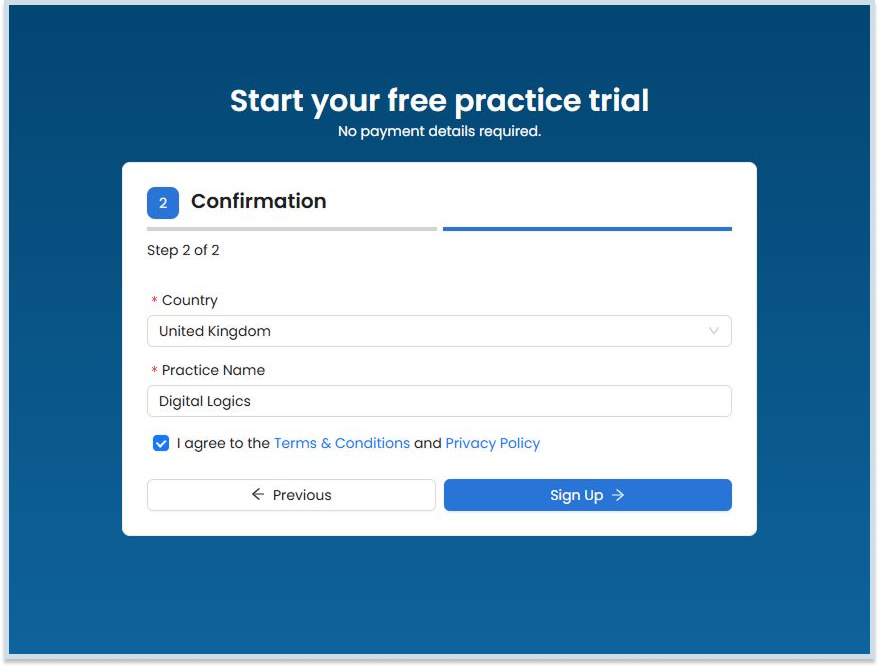
That’s it! Your Practice Account has been successfully created. A verification email will be sent to the email address you provided during registration. Please check your inbox and follow the instructions in the email to verify your account.
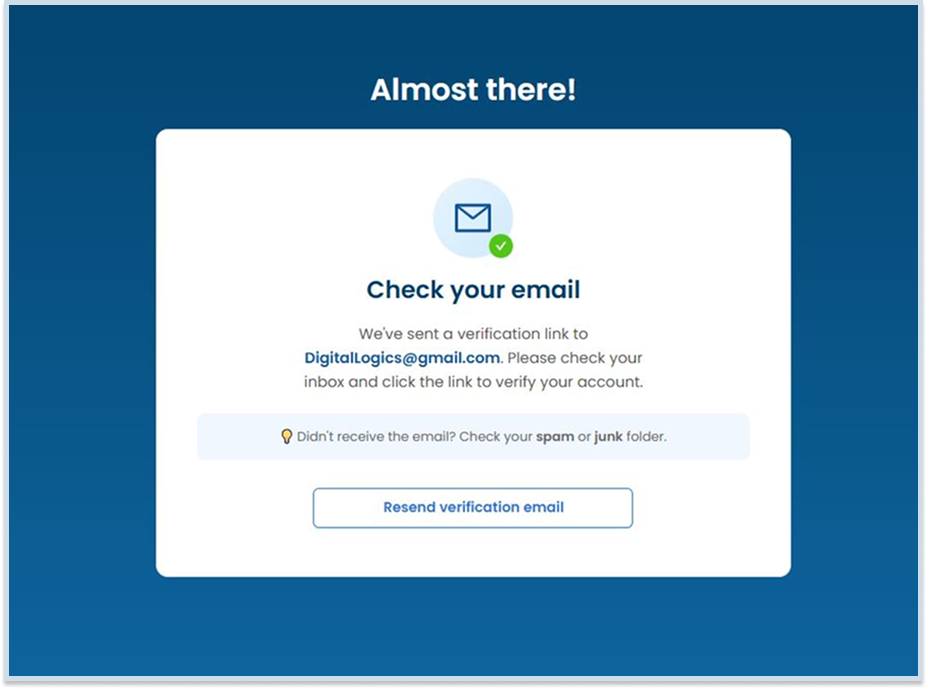
How to Verify Your Email Address
- How do I verify my Akrio Account?
After submitting your details, check your inbox for a verification email from Akrio. In this example, the email is received in Gmail.Open the email.
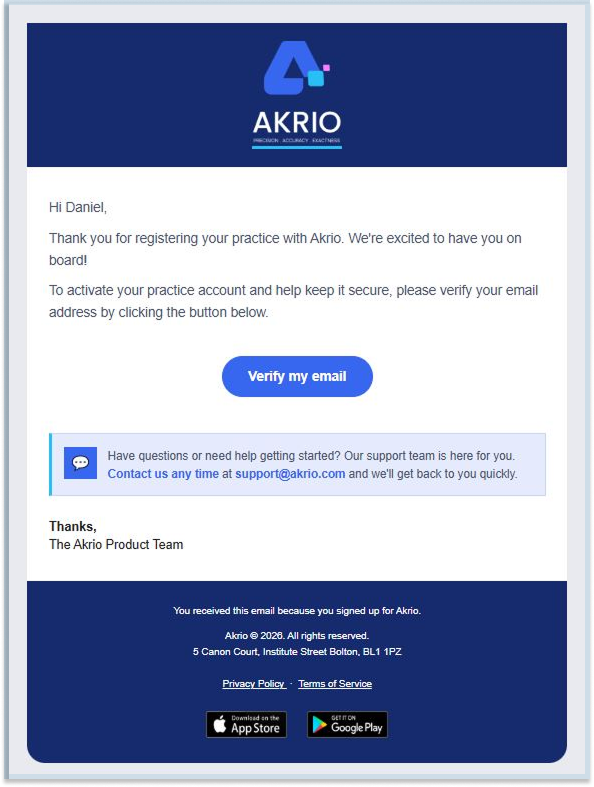
Click the “Verify my email” button to confirm your email address.

Once verification is complete, your account is successfully activated.
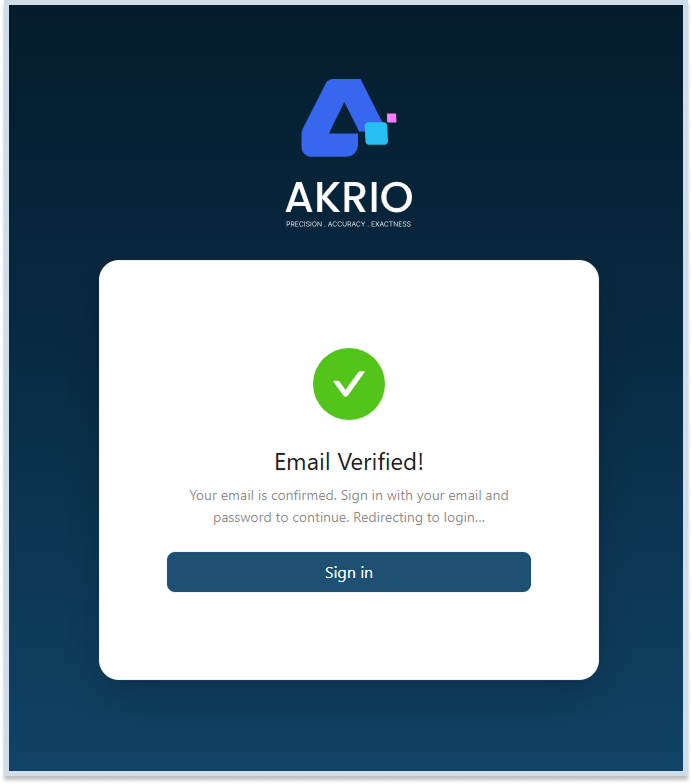
You will then be automatically redirected to the onboarding flow, where Akrio personalises your experience and recommends a plan based on your preferences and requirements.
How to Complete the Onboarding Process
As part of the onboarding process, you’ll be asked a few simple questions about your Practice, including the size of your team, the number of clients you manage, your preferred accounting software, and how you’d like to access your account. Your responses help Akrio tailor the setup and provide a more personalised experience.
- How many people work in your Practice?
This is step 1 of Akrio’s onboarding, and it helps personalise your setup based on your team size. Just click the button matching your practice size:- 1 Sole practitioner
- 2-9 Small practice
- 10-24 Mid-sized practice
- 25-99 Larger practice
- 100+ Enterprise-level firm

Prefer not to answer? Click Skip below the options and update this later.
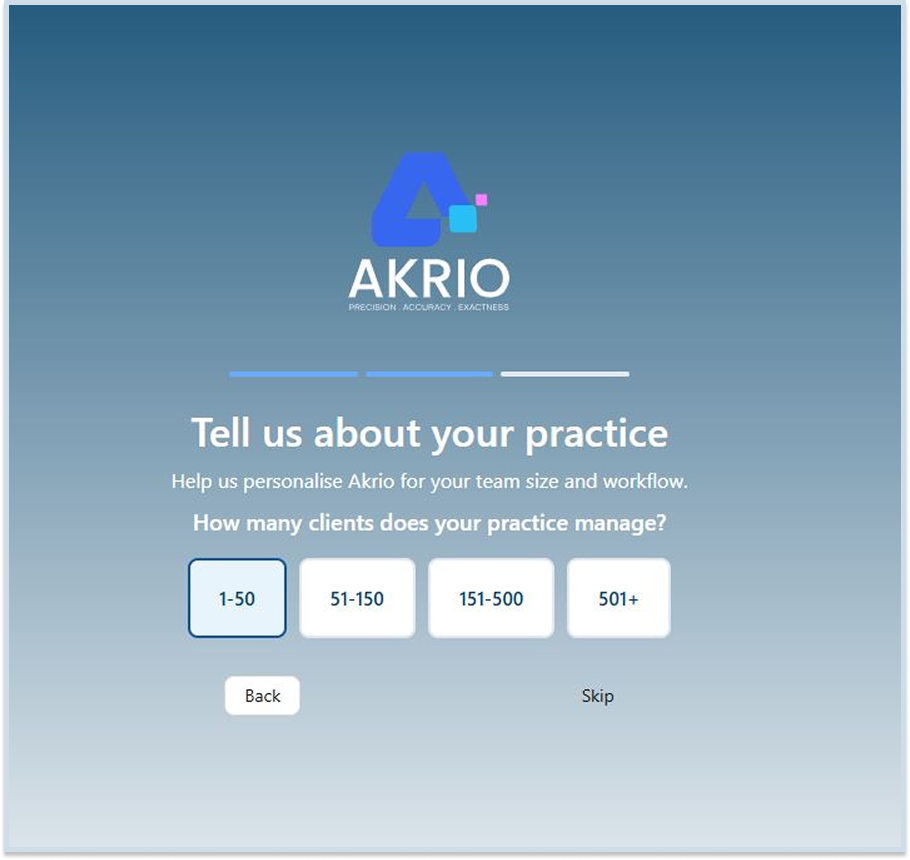
- How many clients does your Practice manage?
Select the range that best matches the number of clients your Practice manages. This helps personalise Akrio to suit your team size and workflow.
- Which accounting software do you use for your clients and practice?
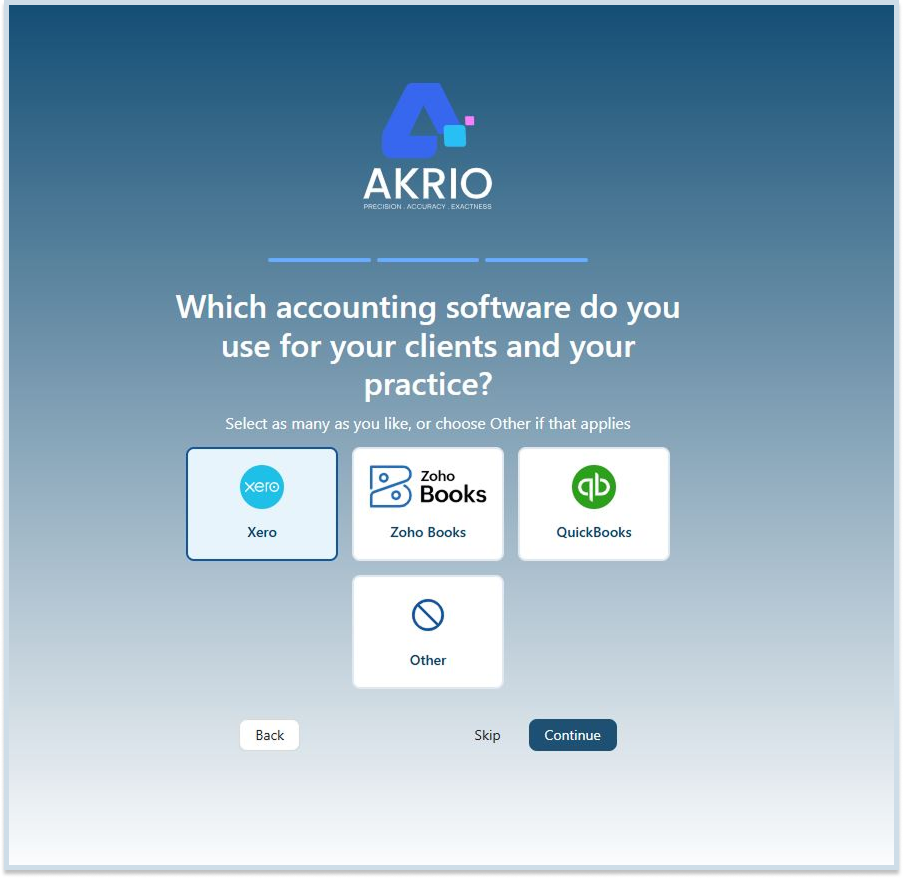
During onboarding, select the accounting software you use for your clients and Practice, such as Xero, Zoho Books, or QuickBooks. You can choose one or multiple options, or select Other if your software is not listed. Once you’ve made your selection, click Continue and start exploring.
How You Can Log In to Your Akrio Practice Account
- How do I access my new Practice Account?
Once your practice account has been created, you can access it at any time from the Akrio homepage. Click Log In.

Then enter the email address and password you used during registration.
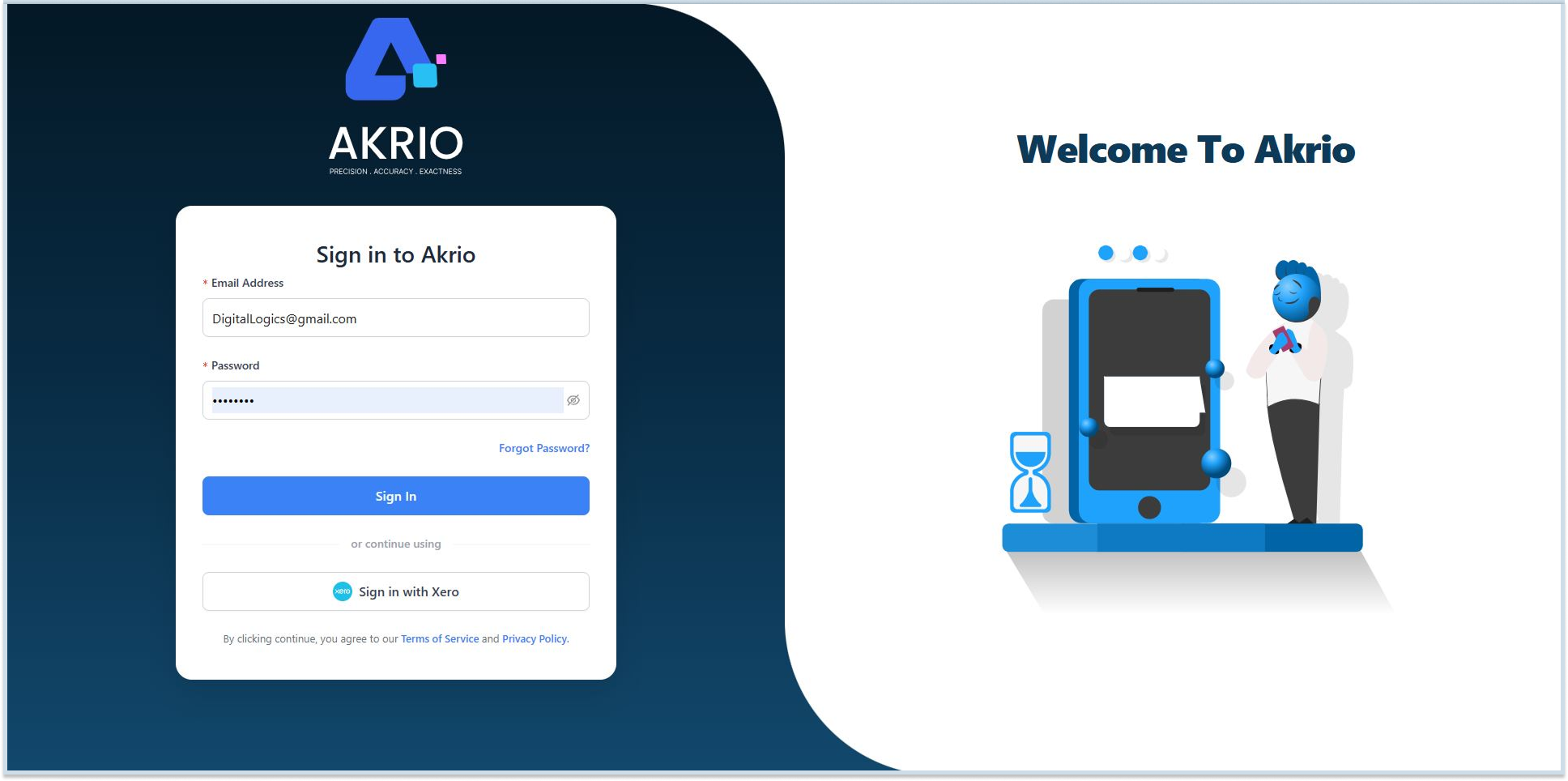
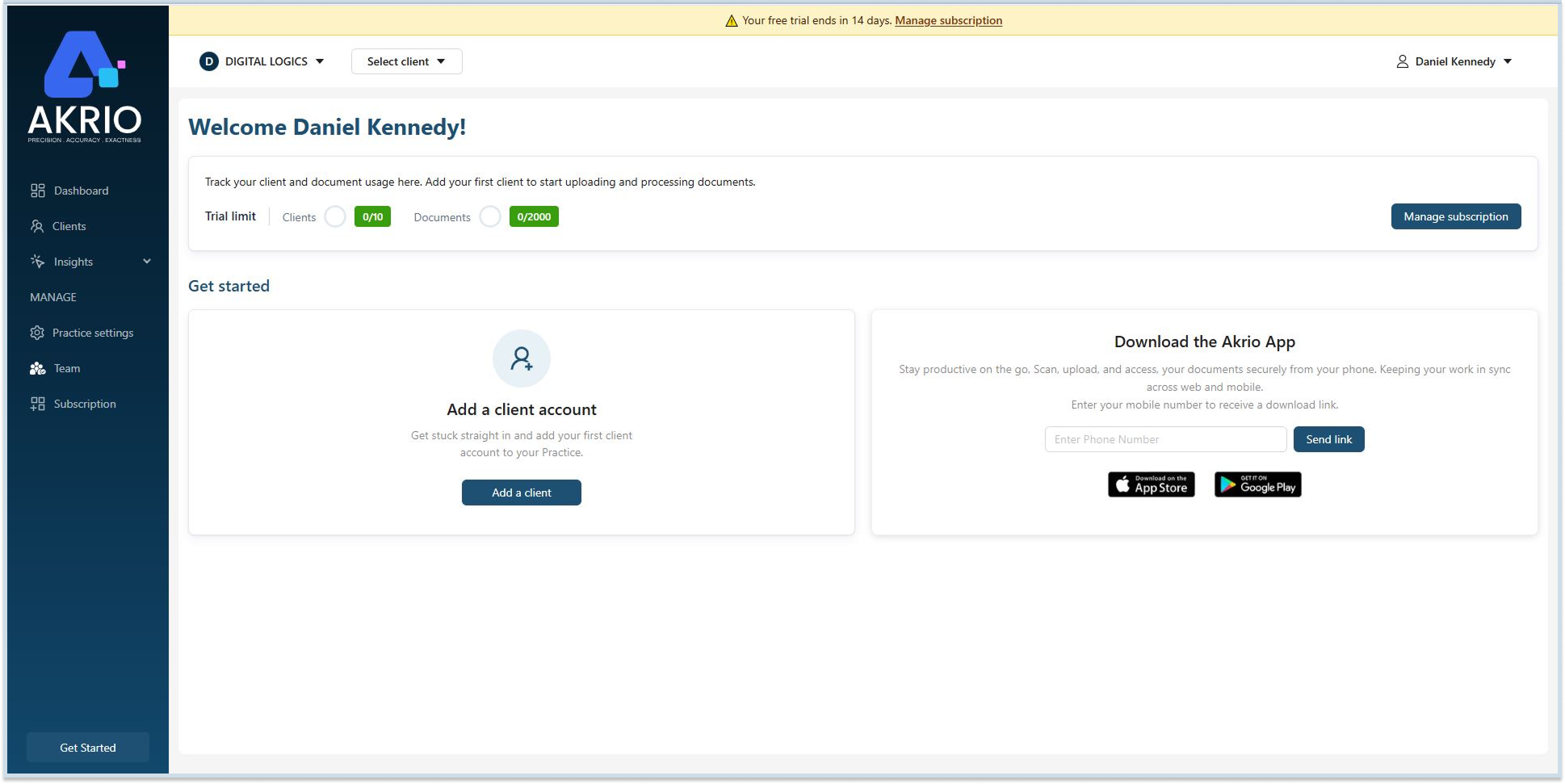
After signing in, you’ll be taken directly to your practice account, where you can start using Akrio.