Video Guide
Follow this video tutorial guide to see how you can integrate your Xero accounting software with Akrio.
Connect with Xero
By connecting your Akrio and Xero accounts, you can transfer your Akrio items directly into Xero.
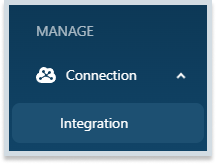
- Go to the Connections tab in the sidebar and select Integrations.
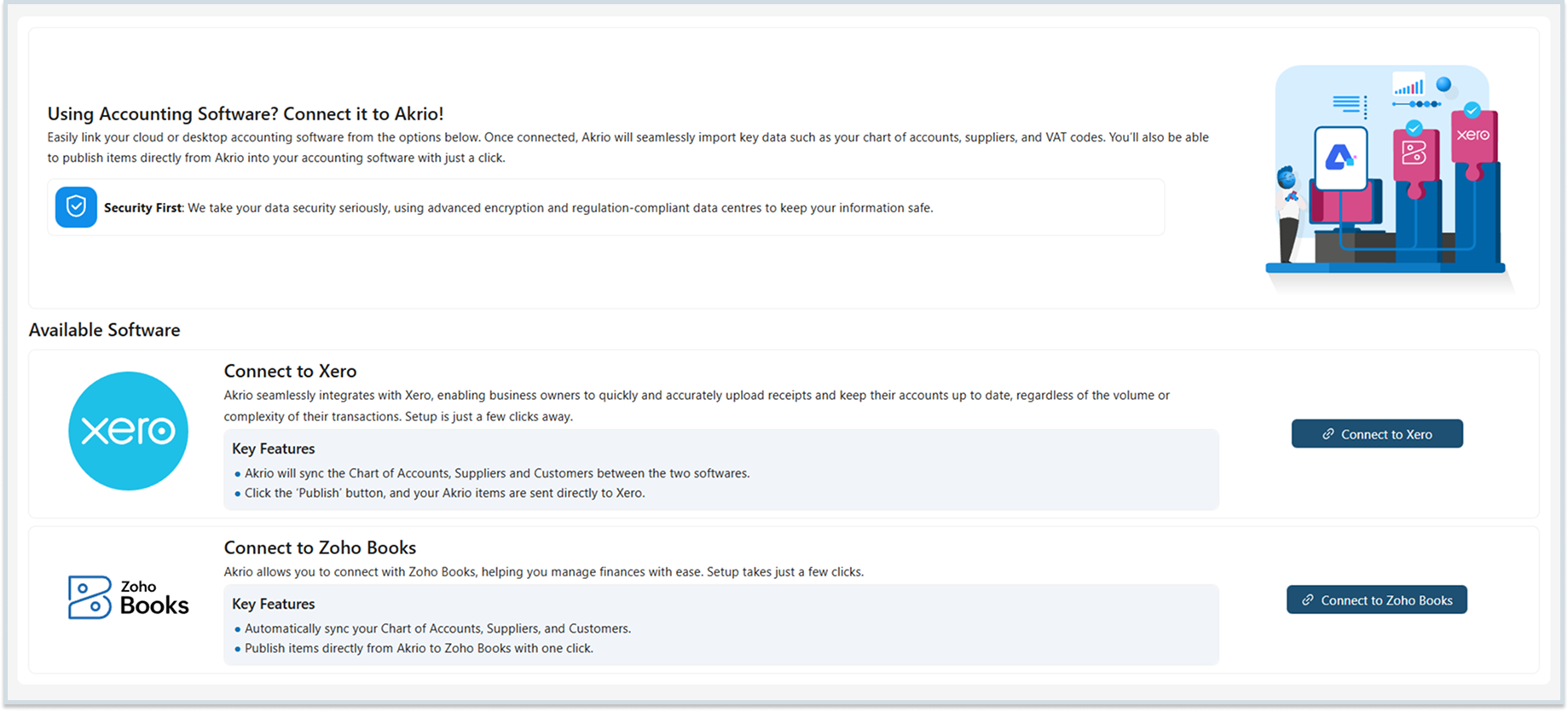
- Locate Xero in the available software options and click the “Connect” button.
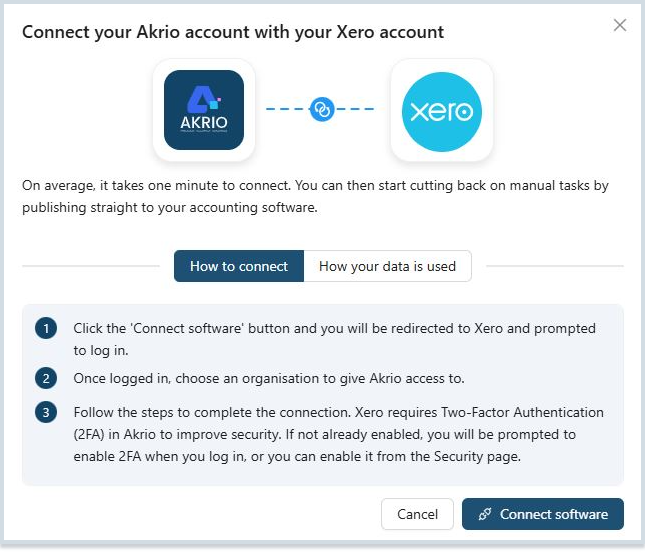
- Press the “Connect Software” button. This will redirect you to Xero, where you must log in to your Xero account.
- Follow the instructions until you return to Akrio.
- Select the organisation you wish to link…
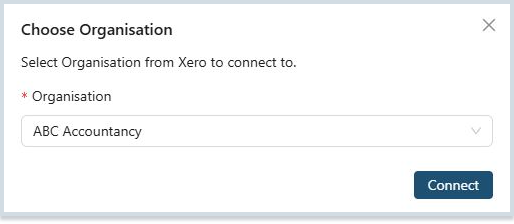
- Once you click on ‘Connect,’ Akrio will integrate with your Xero account. You can then customise your general settings as needed and proceed to publish items.
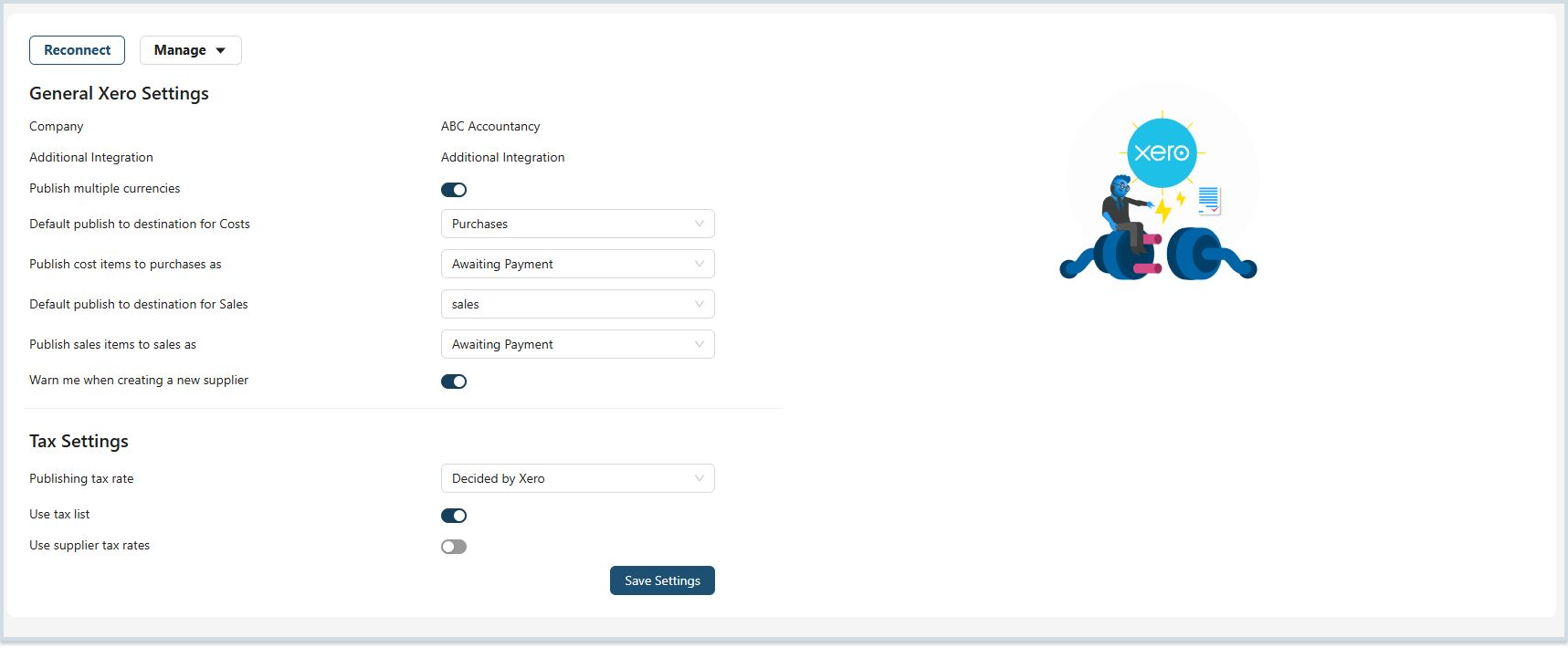
Note: If in the future you see a connection error, you can use the reconnect button to refresh your connection.
You can also integrate your Xero account using the Akrio Mobile Application.
Was this helpful?
Thanks for your feedback!