Video Guide
Follow this video tutorial guide to see how to delete, archive and unarchive an item.
How to Delete an Invoice in Akrio
Deleting an invoice from your inbox will permanently remove it from the list and make it unrecoverable. If needed, you will have to add it again.
- Navigate to the Inbox section in your Costs WORKSPACES.
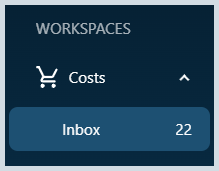
- You can browse your list of inbox invoices.
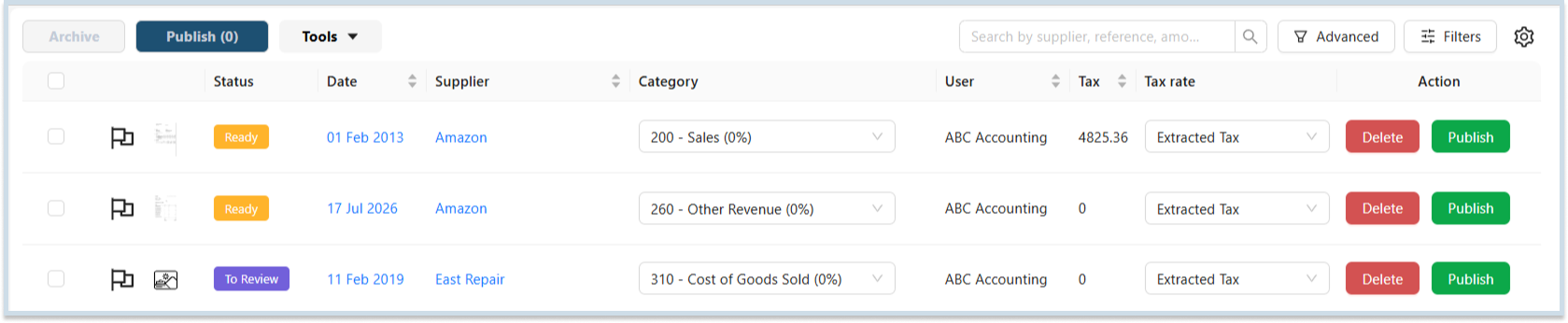
- On the right side of the invoice listing page, there are two buttons under the “Action” column, also called the options button.
- Select Delete button next to the invoice you want to delete.

- A confirmation message will appear asking if you want to delete the record. Click “Yes” to confirm, and the invoice will be permanently deleted from your Akrio account.
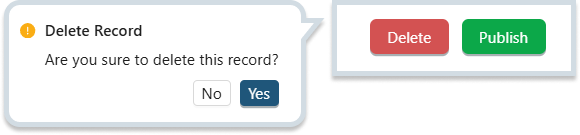
Note: Deleting an expense invoice is permanent and cannot be undone. Please double-check before confirming the deletion.
How to Archive Invoices
Archiving invoices in Akrio will store and preserve the invoices that are no longer actively required but may be helpful.
- In your Inbox, select invoice or invoices to archive multiple items simultaneously.
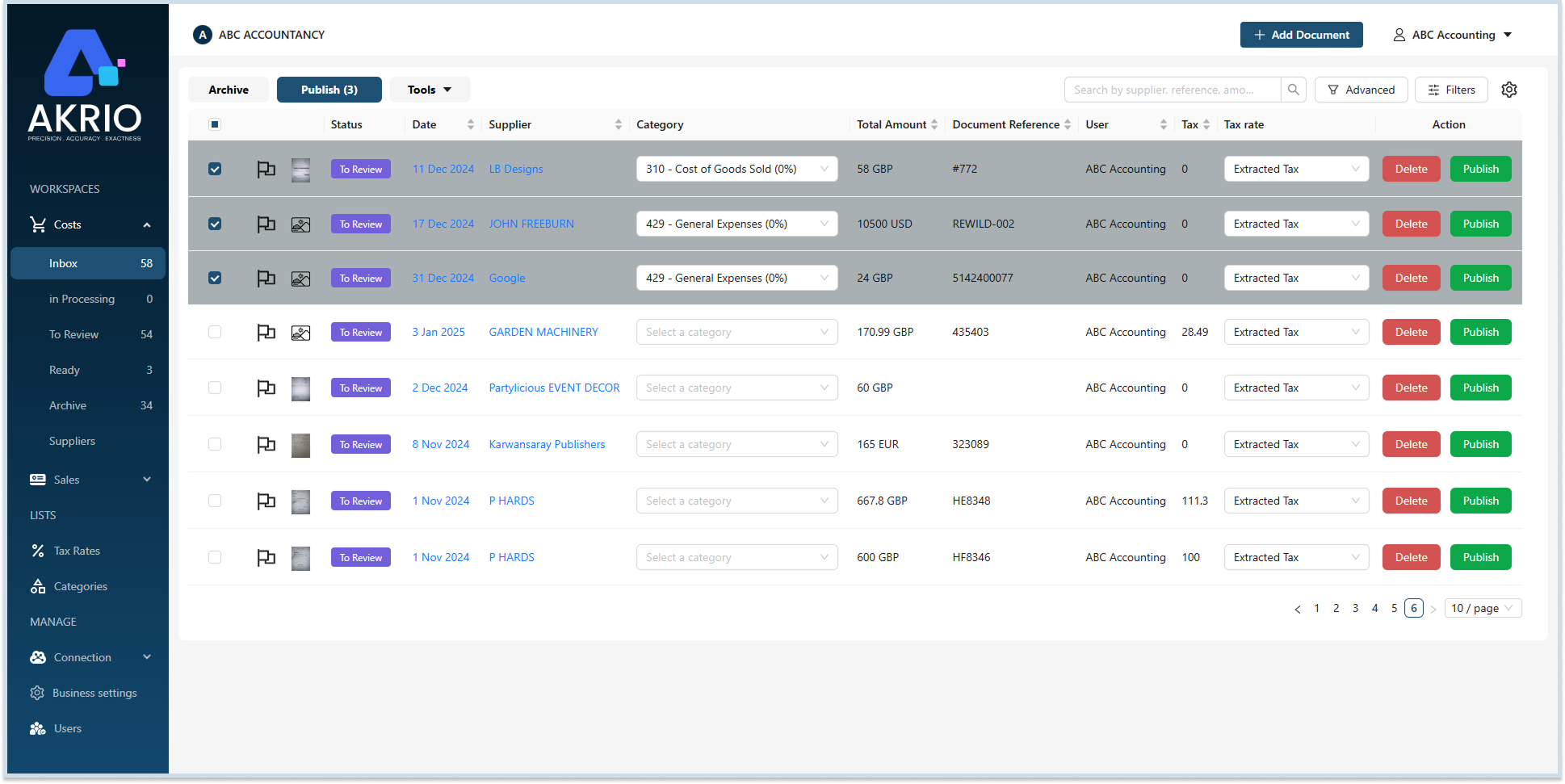
- On the top-left corner, click the Archive.
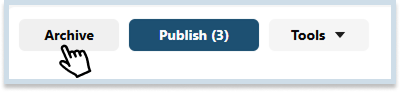
- Once archived, the invoices will be moved to your Archived section, which you can view later.
Note: Archived invoices are stored safely but will no longer appear in your active inbox invoice list.
How to Unarchive Invoices
Unarchiving invoices in Akrio will move the invoices back to the inbox.
- In your Archive section, select invoice or invoices to unarchive multiple items simultaneously.
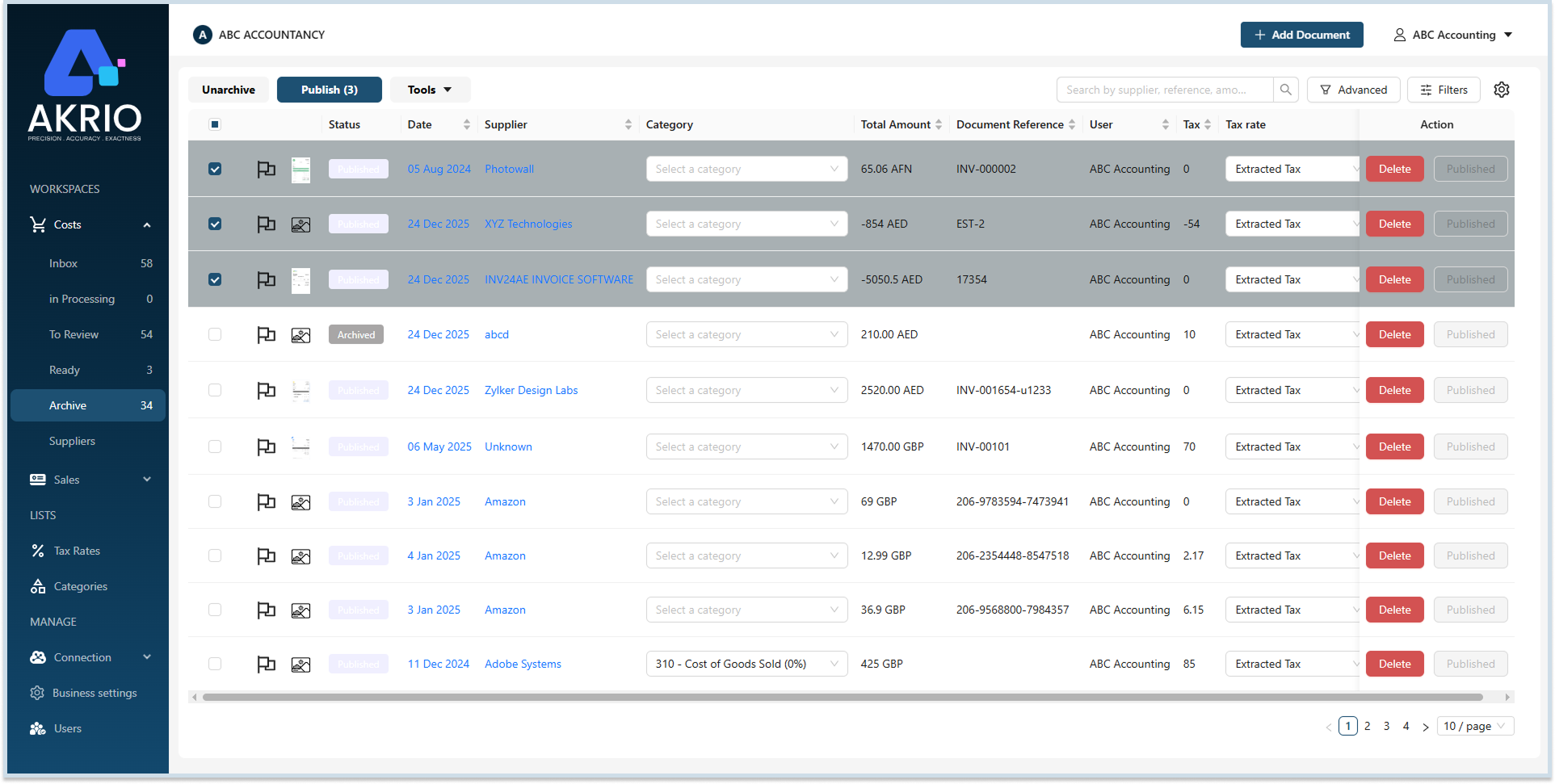
- In the top-left corner, click Unarchive.

Once unarchived, the invoices will be moved to the Inbox section, which you can work on now.
Was this helpful?
Thanks for your feedback!