Once you have integrated your Akrio account and your accounting software, you can use various functions and settings to manage the connection between the two applications.
General Integration Settings
On the General Integration Settings page, you can manage the Publishing of Cost Items, the Default Publish Destination, choose to Publish Multiple Currencies, and more.
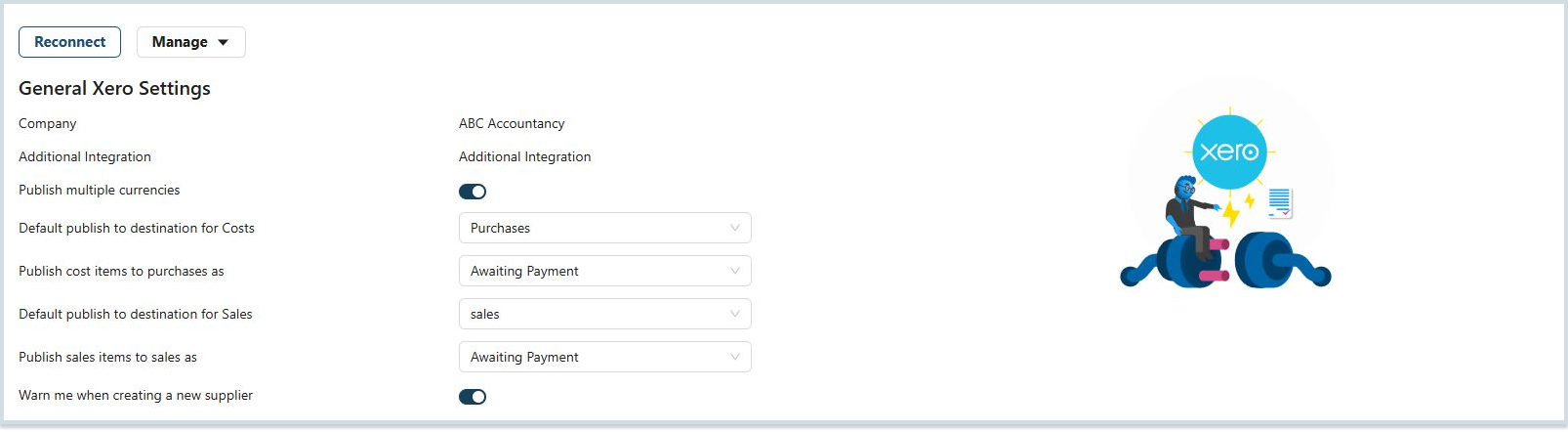
Tax Settings
Under Tax Settings, you can manage which tax settings Akrio uses, choose from the Tax List and Supplier Tax Rates.
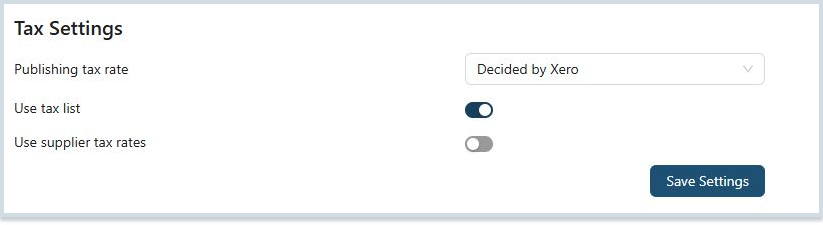
Click Save Settings button to use the settings.

Note: You can also choose whether Xero or Akrio decides the publishing tax rate.
Reconnect
If the connection between Akrio and your accounting software is outdated, this can be reconnected.
To reconnect your Akrio account:
- On the Integration page, click on the blue Reconnect button.

- You will be redirected to the accounting software login page.
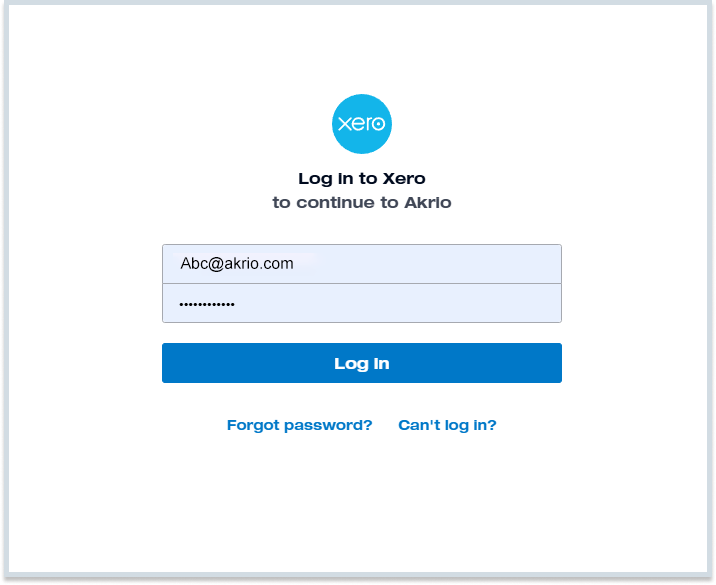
- Follow all the steps to reconnect your Akrio account.
Note: You’ll need to reconnect whenever you see a connection error.