Video Guide
Follow this video tutorial guide to see how to integrate xero via Akrio mobile app.
To integrate Xero using a mobile application:
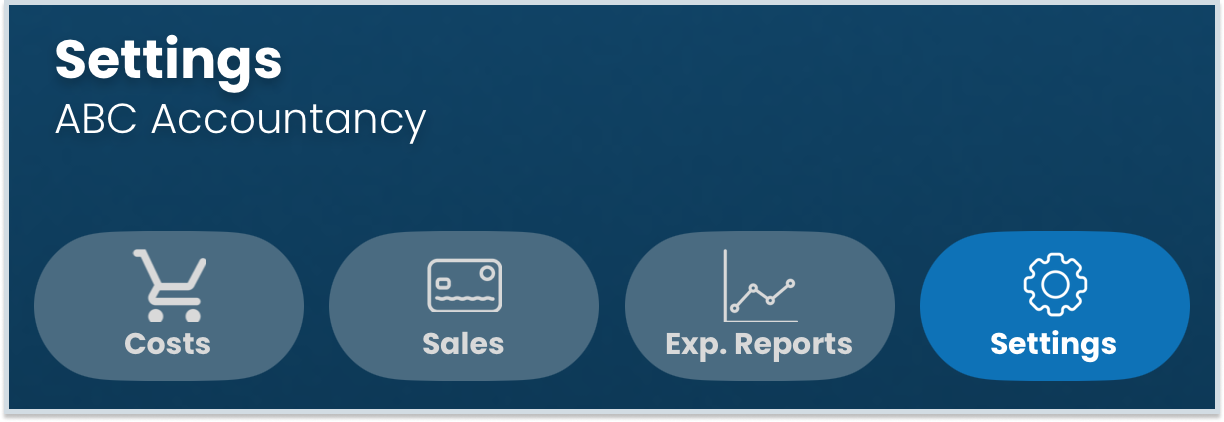
- Navigate to the Settings tab in your Akrio mobile app.
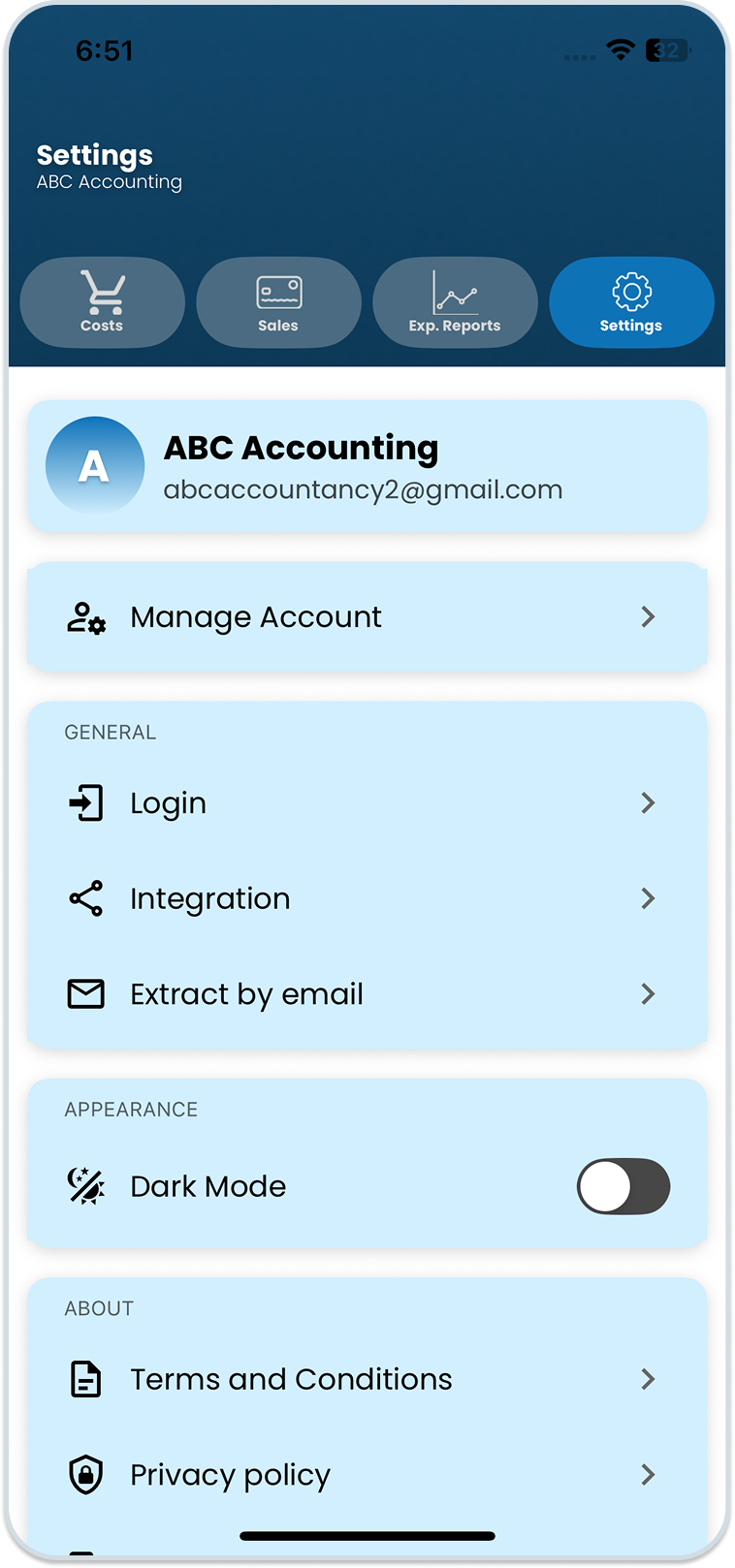
- Scroll down and tap on the “Integration” section.
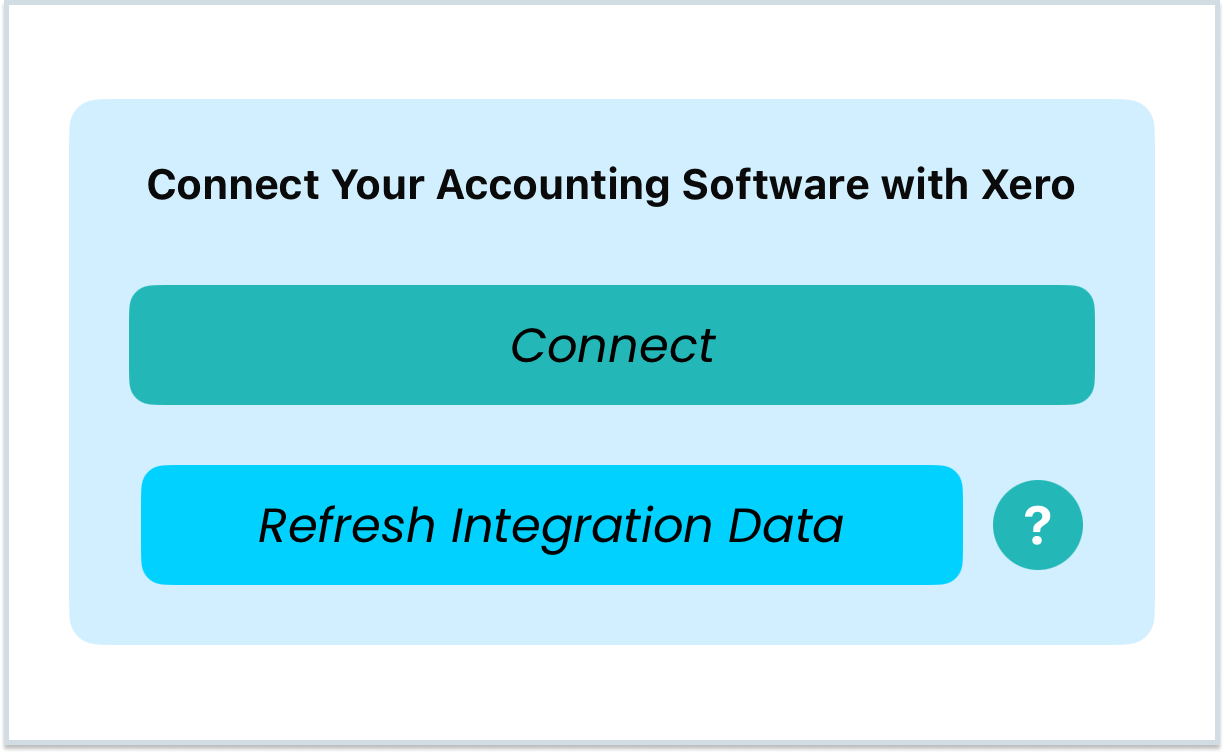
- On the Integration page, click Connect.
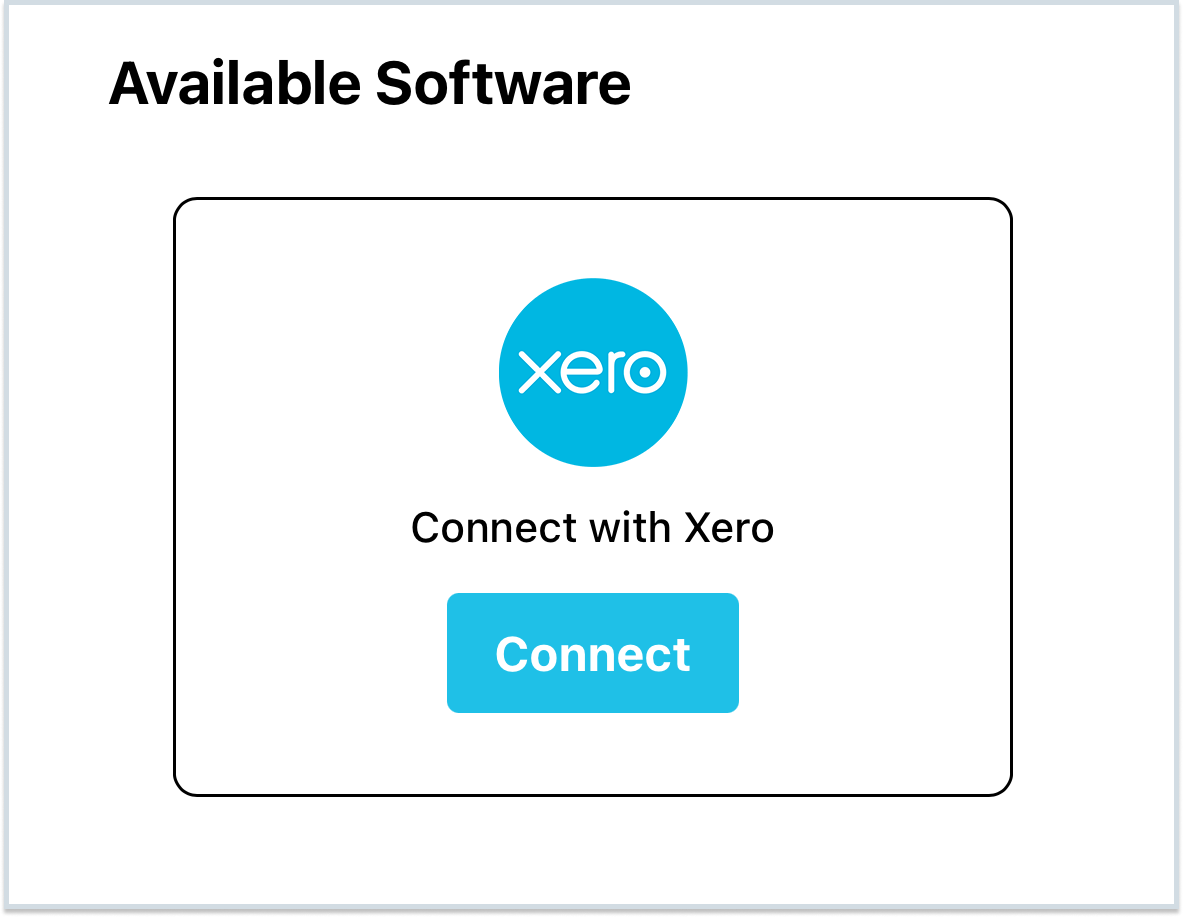
- After tapping Connect, you will be redirected to the Akrio webpage. Tap on Connect again to integrate with your Xero account.
- A popup will appear with software connecting instructions, tap Connect Software.
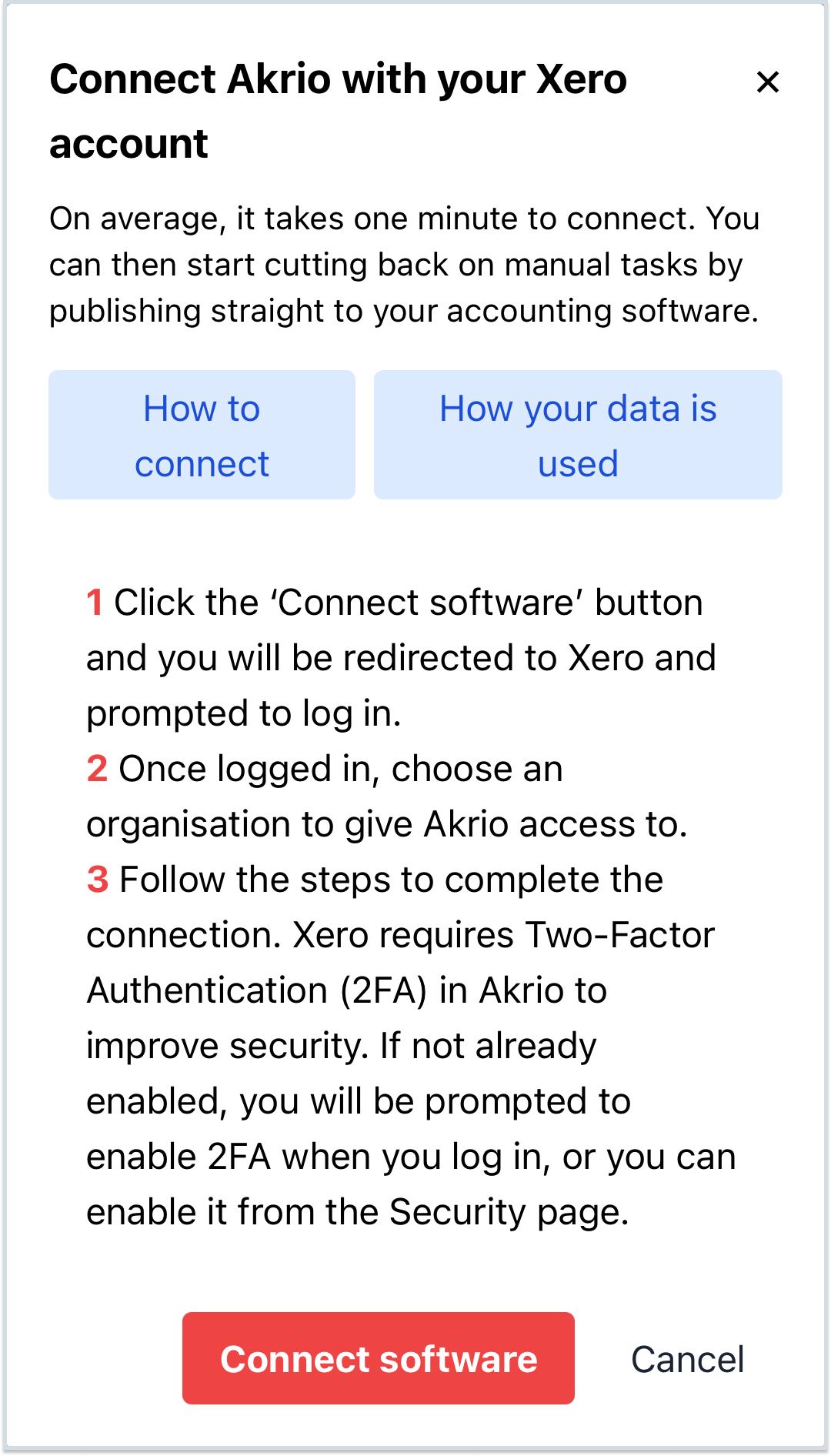
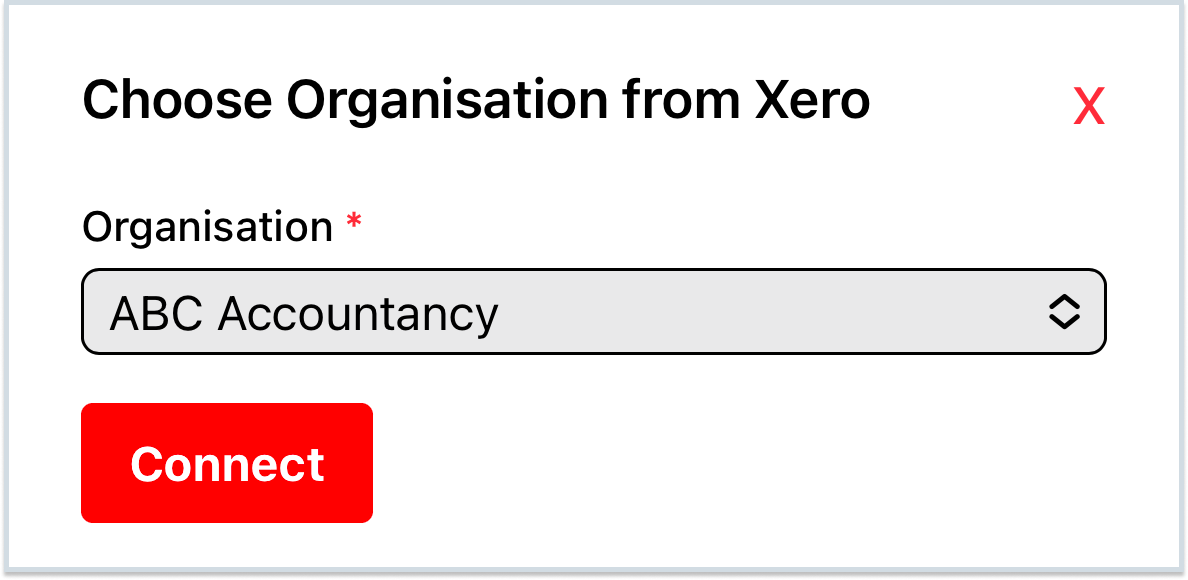
- Follow the instructions until you return to Akrio. Select the organisation you want to link with Akrio and tap Connect.
- Akrio will ask to open the Akrio App. Tap Open.

Note: Once done with all the steps, you will see a message showing that Xero is integrated successfully.
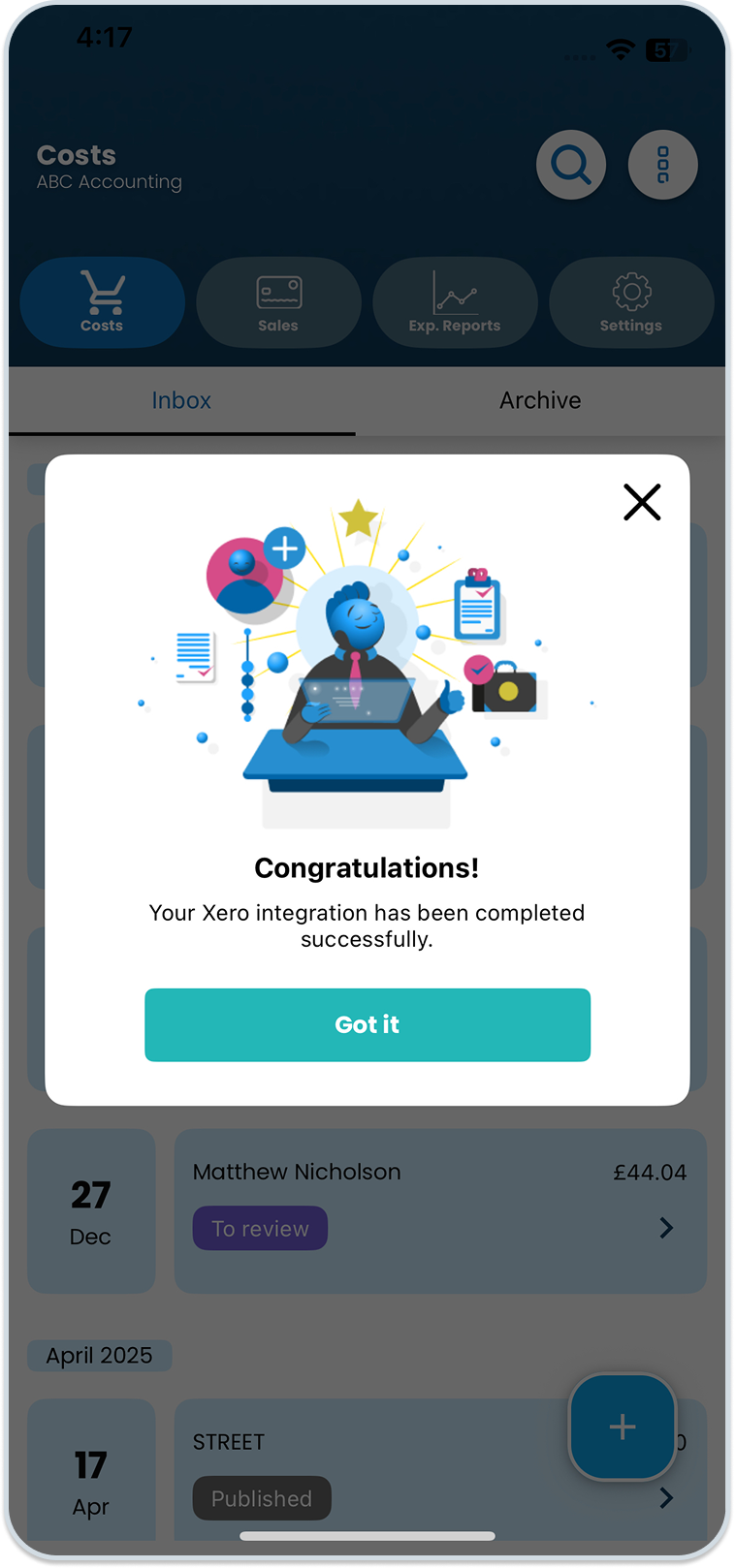
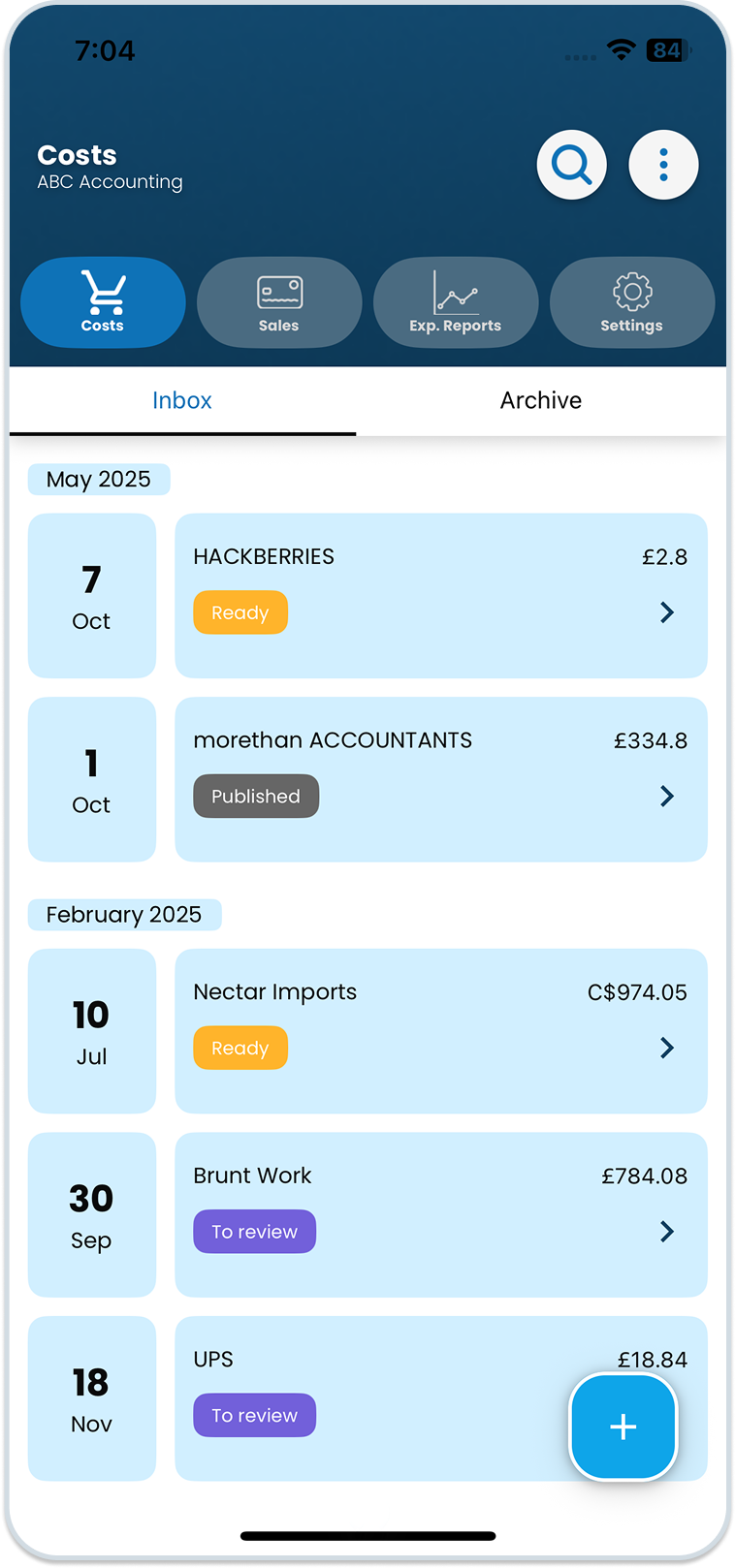
8. Tap ‘Got it’. This will take you to the home page. You can then proceed to publish items.
Was this helpful?
Thanks for your feedback!